A Step-by-Step Guide to Applying for Centrelink Payments Online
Discover the essentials of how to apply for Centrelink payments online with our straightforward guide. Whether you're navigating the process for the first time or looking for tips to streamline your experience, understanding online applications can save time.
Understanding Centrelink and Its Importance
Centrelink is a crucial component of Australia's social security system, providing financial help to millions of Australians. Whether you are out of work, need support during a health crisis, or have a family to support, Centrelink offers various payments and services to help you out. In 2026, with an ever-changing economic landscape, accessing these payments online has become more critical and convenient than ever.
Applying for Centrelink payments online can save time and reduce visits to physical offices. But to successfully navigate this process, you need a clear understanding of how the system works and how to make the most of it.
Steps to Apply for Centrelink Payments Online
1. Setting Up a myGov Account
The first step to accessing Centrelink services online is through a myGov account. It serves as a centralized portal for various government services, including Centrelink. Here’s how you can set one up:
- Visit myGov: Go to the myGov website and select the ‘Create account’ option. You will need to provide some basic information such as your name and email address.
- Email Verification: You will receive a confirmation email. Click the link in the email to verify your address.
- Secure Your Account: Create a password and set up security questions to protect your account.
It’s important to keep your myGov login details confidential to protect your personal information.
2. Linking Centrelink to Your myGov Account
Once your myGov account is set up, the next step is to link it with Centrelink:
- Log In: Access your myGov account and navigate to the ‘Link a Service’ section.
- Select Centrelink: Choose Centrelink from the list of available services.
- Proof of Identity: You may be required to answer some questions to confirm your identity, using information from previous interactions with Centrelink.
Successfully linking these accounts allows you to start the online application process for payments.
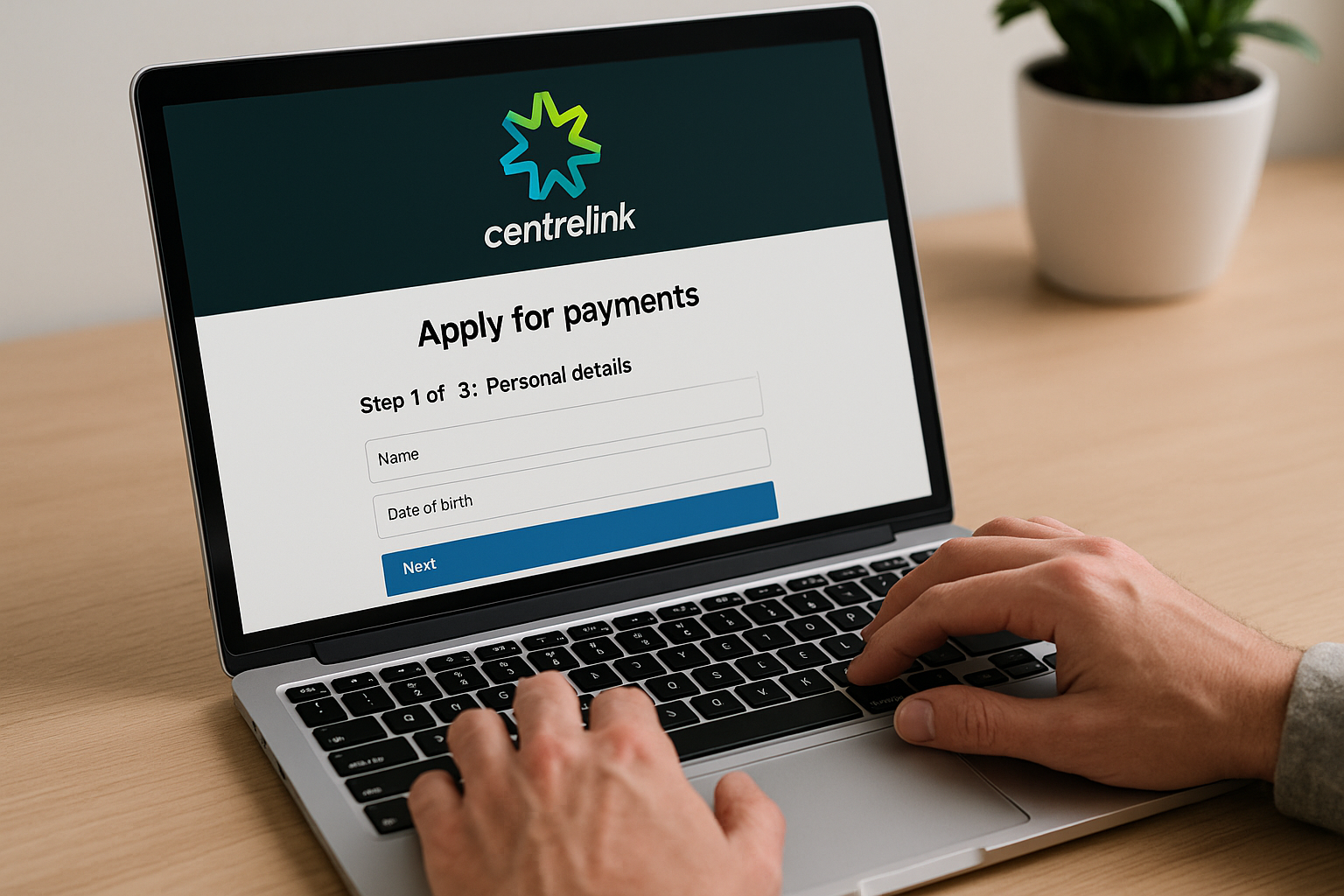
3. Completing Your Payment Application
Now that your accounts are linked, you can apply for Centrelink payments online:
- Select a Payment Type: Log in to Centrelink via myGov and choose the payment type that suits your situation, such as JobSeeker, Youth Allowance, or Parenting Payment.
- Provide Personal Information: You will need to fill out your employment history, financial status, and family details.
- Upload Required Documents: Depending on the payment type, you might need to upload documents like payslips, rental agreements, or identification.
- Submit Your Application: Review your application for accuracy and submit it. Make sure to take note of any additional requirements they might request.
After submission, you can track the status of your application through your myGov account.
Common Questions About Centrelink Payments Online
What Types of Payments Can I Apply For?
In 2026, Centrelink offers a range of payments to assist different needs, including:
- JobSeeker Payment: For those looking for work or in certain health conditions.
- Age Pension: Financial support for older Australians.
- Family Tax Benefit: Assistance with child-rearing costs for eligible families.
- Child Care Subsidy: Help with the cost of childcare to enable parents to work or study.
Each payment has its own eligibility criteria and requirements, so it is essential to choose the one that accurately fits your circumstance.
How Long Does the Application Process Take?
The processing time for Centrelink applications can vary based on the payment type and individual circumstances. Most applications are processed within two weeks; however, some may require more time for verification and approval. In cases where additional documentation is needed, having your materials ready beforehand can expedite the process.
What If My Application Is Rejected?
If your application is denied, you will receive an explanation for the decision. You have the option to request a review of the decision or provide additional information if necessary. It’s important to act swiftly as there are time limits on applying for reviews or appeals. The Centrelink website provides guidelines on how to request a review. Learn more here.
Tips for a Successful Application
To increase the chances of a successful Centrelink application:
- Thorough Documentation: Provide all necessary documentation upfront to avoid delays.
- Accurate Information: Double-check personal details and financial information for accuracy.
- Regular Follow-ups: Monitor your application status regularly and respond promptly to any requests from Centrelink.
Also, visiting community centers can provide additional support and information on successful application strategies.
Accessing Centrelink payments online is a crucial utility for many Australians, providing much-needed support and relief. By understanding the application process and preparing appropriately, you can more efficiently manage your financial assistance. More information.