A Step-by-Step Guide to Applying for Costco Life Insurance Online
Are you curious about how to apply for Costco life insurance online? Looking into acquiring life insurance can be a smart move to protect your family’s future, and Costco offers competitive options. Discover the step-by-step process of applying online without leaving your home.
Understanding Costco Life Insurance
Life insurance is a critical component of financial planning, offering peace of mind by ensuring your family's financial stability in the event of your passing. Costco, widely known for its wholesale retail operations, extends its member benefits to include competitive life insurance options in partnership with Protective Life Insurance Company. This article explores how you can apply for Costco Life Insurance online and why it might be a suitable choice for you.
How Does Costco Life Insurance Work?
Costco Life Insurance is offered exclusively to Costco members through Protective Life, an established insurance provider. The plans typically provide term life insurance, which is a type of life insurance policy that offers coverage for a specified period. Term lengths generally range from 10 to 30 years, and the terms are affordable compared to other types of life insurance like whole or universal life insurance.
Benefits of Choosing Costco Life Insurance
- Competitive Rates: As a Costco member, you have access to pre-negotiated rates that are generally lower than those available to the general public.
- Financial Strength: Protective Life boasts strong financial ratings from leading agencies, which assures members of reliability and stability.
- Flexible Coverage: You can choose coverage from $100,000 to $1 million, offering customizable solutions to fit your needs.
- Member Benefits: Costco Executive Members can receive additional perks, including a higher level of service and potential discounts.
Steps to Apply for Costco Life Insurance Online
1. Verify Your Membership
Before you can access the exclusive insurance offers, you need to have an active Costco membership. Start by logging into your Costco account and verifying your membership status.
2. Visit the Costco Insurance Marketplace
Once your membership is verified, navigate to the Costco Insurance Marketplace on the official Costco website. Here, you can find various insurance options available, including life insurance. Click on the life insurance section to begin your application.
3. Get a Quote
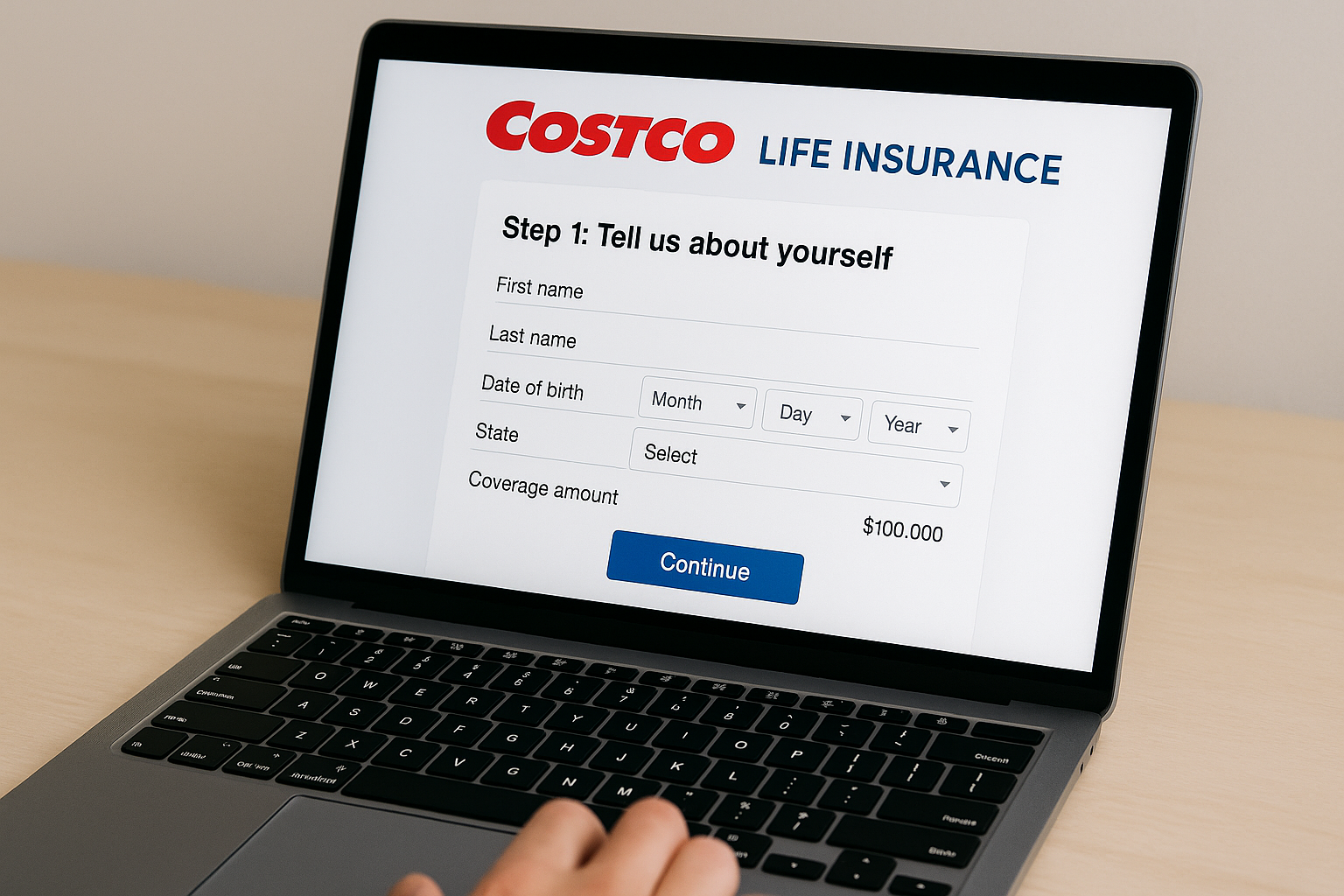
The next step is to obtain a quote. You will need to provide basic personal information such as your age, gender, height, and weight. It is also common to ask about your health history and lifestyle habits that might affect your premiums, such as smoking status.
4. Customize Your Plan
Based on the provided information, you can view different term options and coverage amounts. Use the online tools to adjust and customize the policy to match your specific needs and financial situation.
5. Complete the Application Process
After you have selected a plan, you can proceed to fill out the official application online. This process may involve answering additional health-related questions and consenting to a possible medical exam, depending on the coverage amount and personal factors.
6. Await Approval
Once you have submitted the application, it will be reviewed by Protective Life's underwriters. During this time, you might be contacted for further information or clarification. Approval times can vary, but the online process helps expedite this step.
7. Bind Your Policy
If approved, you will receive an offer specifying the detailed terms and conditions of your policy. Upon your acceptance of the offer, you will pay the first premium to activate your coverage. This can be easily managed through the online portal.
Why Consider Online Application for Life Insurance?
Applying online for Costco Life Insurance offers numerous conveniences and advantages:
- Time-Saving: Online applications eliminate the need for in-person meetings, allowing you to complete the process at your own pace.
- Convenience: You can access and manage your policy from anywhere, ensuring that your life insurance application fits seamlessly into your schedule.
- Comparison Tools: Online tools allow you to compare different plans quickly and efficiently, ensuring you make a well-informed decision.
Frequently Asked Questions
Here are some common questions that potential applicants might have:
Can I apply for Costco Life Insurance without a medical exam?
Some applications may require a medical exam depending on factors like age, health, and the amount of coverage desired. However, in many cases, policies up to a certain limit might be obtainable with a simplified underwriting process.
What happens if I cancel my Costco membership?
Your life insurance policy remains in force even if your Costco membership status changes because the policy is with Protective Life, not Costco. Nonetheless, maintaining your membership may offer you additional benefits and discounts.
How do I know if I am getting the best rates?
Costco’s partnership with Protective Life allows them to negotiate special rates for members. It's wise to compare these rates with other providers to ensure you're getting a good deal. As of the latest data available in 2026, consumer reviews have praised Costco for its affordable rates compared to industry averages.
Conclusion
Navigating the world of life insurance can be challenging, but Costco provides a streamlined, customer-friendly approach by partnering with Protective Life. With its competitive rates and member-focused services, applying for life insurance online through Costco can be a straightforward and advantageous process. Begin by exploring your options on the Costco Insurance Marketplace today to secure your family's financial future.
For more detailed information, you might find these resources helpful: