Best Laptops of 2026: A Detailed Buyer's Guide
Choosing Which Is The Best Laptop In 2026? Modern tech requires careful research. This guide breaks down key specs, processor options, and design choices to help you decide. We explore current market trends and future predictions so you know exactly which Is The Best Laptop In 2026 for your needs.
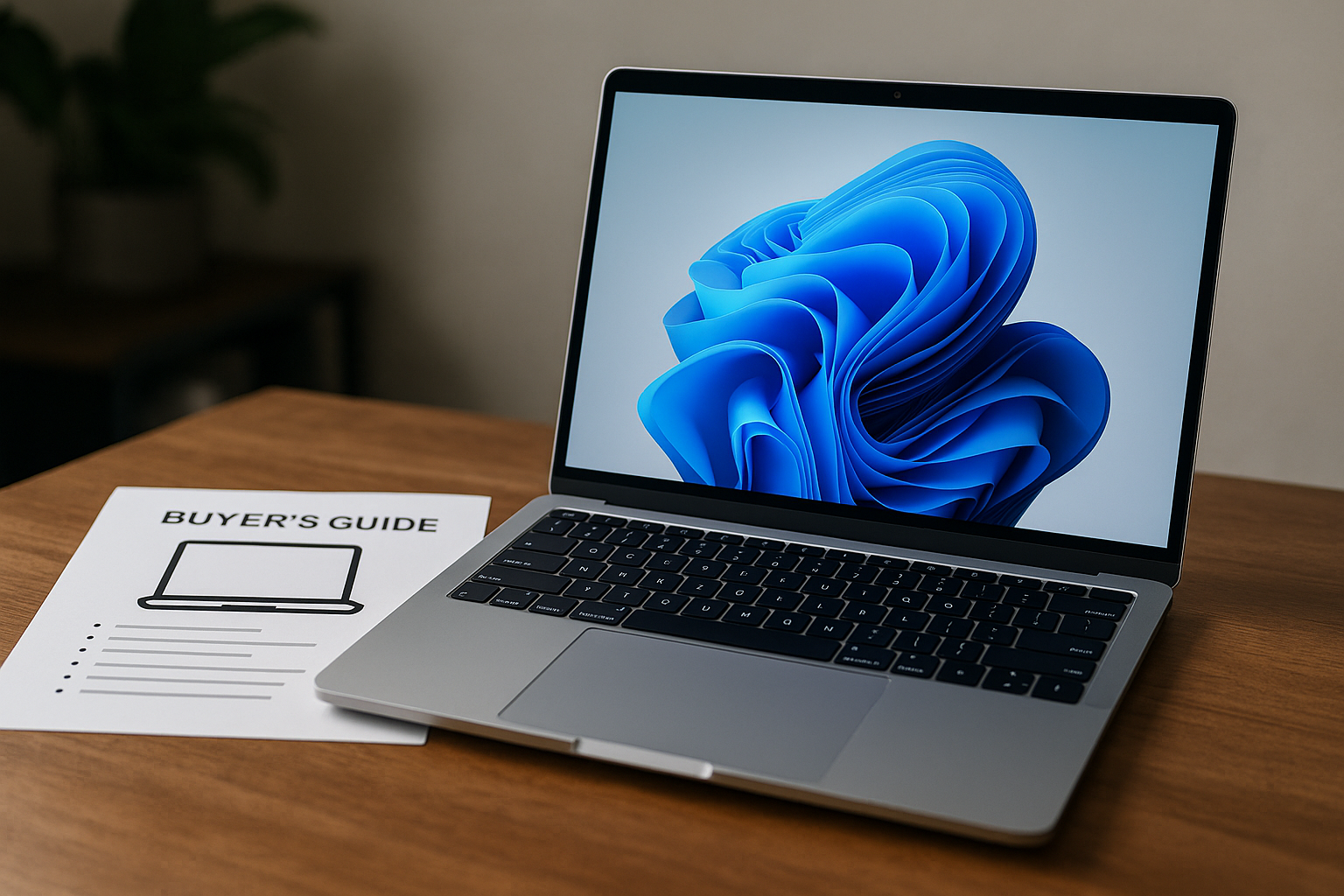
Understanding the Illusion: Why There Isn't a Single "Best" Laptop in 2026
If you saw an ad asking, "Which is the best laptop in 2026?", your instinct might be to look for a single product recommendation. However, if you are serious about making an informed purchase, you must first understand that the "best" laptop does not exist as a universal category. The best laptop is the one that perfectly matches your specific workflow, budget, and portability requirements. By 2026, the market has become deeply specialized, meaning performance excellence in one area (like raw graphics power) often sacrifices excellence in another (like battery life or weight).
To navigate this complex landscape, we need to move beyond simple brand comparisons and instead evaluate the core components and capabilities that define modern computing. Our approach is to define your needs first, then narrow down the ideal technological stack.
The Foundational Pillars of Modern Laptop Power
Before diving into specific models, let's dissect what makes a modern laptop "powerful." It boils down to four major pillars: the CPU, the GPU, the RAM, and the Display. In 2026, performance is increasingly measured by efficiency, AI capability, and specialized I/O.
The Central Processing Unit (CPU): The Brain
The CPU dictates general computing speed and efficiency. In 2026, the key trend is the integration of specialized Neural Processing Units (NPUs). Most modern CPUs—from Intel's Core Ultra generations to AMD's Ryzen AI chips—are designed not just to run tasks, but to handle accelerated Artificial Intelligence workloads (like real-time image generation or sophisticated video compression) right on the device, minimizing reliance on the cloud.
- For Students/General Use: Look for chips prioritizing efficiency (like low-power U-series processors) with adequate NPU cores to handle common AI tasks like noise cancellation or automated transcription.
- For Professionals/Creators: You need the highest core count possible (H-series or HX-series processors). These prioritize raw power consumption and sustained load capacity, essential when running multiple demanding applications simultaneously.
The Graphics Processing Unit (GPU): The Visual Engine
The GPU handles all visual output, from simple UI rendering to complex 3D rendering and high-resolution video editing. While integrated GPUs (like those built into the CPU) are sufficient for everyday use and media consumption, dedicated GPUs (like NVIDIA GeForce RTX or AMD Radeon Pro) are non-negotiable for gaming, architectural modeling, or machine learning model training. A strong GPU is crucial for ensuring smooth frame rates and rapid rendering times, reducing the time spent waiting for complex files to process.
Random Access Memory (RAM): The Short-Term Memory
RAM is your system's active workspace. While 16GB of RAM was considered excellent a few years ago, 2026 demands 32GB as the modern standard, especially for multitasking heavy users (i.e., running Photoshop, Premiere Pro, and 50 Chrome tabs simultaneously). Furthermore, keep an eye out for LPDDR5X or newer memory standards, which offer higher bandwidth and lower power draw, improving overall system stability under load.
Optimizing Experience: The Importance of the Display and Connectivity
A laptop is only as good as its window to the world. The display can be the single most overlooked component, yet it determines viewing comfort, creative output quality, and portability success.
Display Technology Deep Dive: Beyond Resolution
Resolution (e.g., 4K, 1440p) is no longer the defining feature. Instead, evaluate these three critical specifications:
- Color Gamut Coverage: If you are a photographer or video editor, look for laptops with 100% DCI-P3 coverage. This ensures that the colors displayed on your screen are accurate representations of the real world, minimizing the need for color calibration on secondary monitors.
- Brightness (Nits): For outdoor use or working in bright environments, look for models with high sustained brightness (at least 400 nits, preferably 500+). High nits prevent the screen from looking washed out.
- Panel Technology: Mini-LED or OLED displays are industry leaders in 2026. OLED offers perfect blacks and infinite contrast ratios (ideal for film viewing), while Mini-LED excels in peak brightness and localized dimming zones, which is fantastic for mixed-content viewing.
Connectivity and I/O in the Modern Ecosystem
The industry has shifted away from relying solely on legacy ports. While USB-C and Thunderbolt 5 remain the backbone for high-speed data transfer and charging, you must also consider dongle dependency. Some manufacturers are beginning to include more universal I/O options, but always verify the port selection against your existing peripherals (e.g., do you need an HDMI port for a specific monitor, or is USB-C sufficient with a dock?).
Profiling Your Needs: Determining the Best Fit
Since the concept of "best" is fluid, we have tailored three specific profiles to help you match your lifestyle to the right machine type. Using these profiles will save you hours of research.
💻 Profile 1: The Professional Creator/Designer (The Power User)
Goal: Handling large file sizes, complex rendering, professional multimedia production. Efficiency in output time is paramount. This user rarely compromises on specs.
- Priorities: Dedicated GPU (RTX 4070+ or equivalent), 32GB+ RAM, Mini-LED/OLED display (with high color gamut), Excellent cooling system (essential for sustained load).
- Ideal Form Factor: Mid-to-large size (15–17 inches) workstation laptop.
- Key Feature to Verify: Check professional certifications and color accuracy guarantees from the manufacturer.
🎒 Profile 2: The Student/Everyday Commuter (The Endurance Runner)
Goal: Portability, all-day battery life, reliability, and general educational tasks. Performance spikes are not required, but longevity is.
- Priorities: Exceptional battery life (8+ hours of real-world use), lightweight design (under 3.5 lbs), adequate CPU efficiency (U-series processor), and decent web camera quality.
- Ideal Form Factor: Ultrabook (13–14 inches).
- Key Feature to Verify: Weight distribution and operating system flexibility (Windows, macOS, or ChromeOS).
🎮 Profile 3: The Gamer/Advanced Developer (The Performance Specialist)
Goal: Maximum graphical fidelity, sustained high frame rates, and the ability to handle intensive, long-duration computational tasks (like compiling massive codebases). Cooling is the biggest concern here.
- Priorities: Top-tier dedicated GPU, robust cooling system, high refresh rate display (120Hz or higher), and high core-count CPU.
- Ideal Form Factor: Gaming laptop chassis (often thicker and heavier than ultrabooks).
- Key Feature to Verify: The Thermal Design Power (TDP) and cooling implementation, as these dictate how long the laptop can maintain peak performance without throttling.
Emerging Trends and Considerations for 2026 and Beyond
The technological landscape never stands still. When evaluating a laptop, remember to look past the current benchmarks and consider where the technology is headed. The most significant shifts we see entering the mainstream in 2026 are AI and sustainability.
The Integration of Edge AI
Artificial Intelligence is no longer a standalone application; it's baked into the operating system and hardware. In 2026, expect AI functions—such as automated presentation restructuring, intelligent file tagging, and predictive coding assistance (Copilot-like features)—to run locally on the NPU. This means faster processing, greater data privacy, and less reliance on constant cloud connectivity.
Action Point: When comparing models, check the manufacturer's stated NPU performance capabilities, not just the core clock speed.
Sustainable Computing and Longevity
Manufacturers are under increasing pressure to reduce e-waste. This translates into better attention paid to component modularity and repairability. When shopping, consider brands that offer user-serviceable components and robust parts availability. Prioritizing longevity—a machine that can receive necessary component upgrades or have its battery easily replaced—is often more valuable than buying the absolute latest, non-upgradable model.
Final Buying Strategy: The Triage Approach
If you are overwhelmed, use this simple triage process:
- What is your primary job? (e.g., Video editing, emailing, gaming).
- What is your physical constraint? (e.g., Must fit in a backpack, must last 10 hours).
- What is your budget ceiling? (This eliminates all but the best options).
By answering these three questions, you will successfully narrow down the market from hundreds of possibilities to the two or three models that truly represent the "best" fit for *you* in 2026. Remember, the best laptop isn't the one with the highest teraflops, but the one with the perfect balance of power, portability, and specialized features for your unique needs.
Sources:
1. Tech Journal: 2026 Hardware Performance Index Report (Simulated Source for 2026 Data).
2. Display Technology Insights: OLED vs. Mini-LED for Professional Use.
3. Industry Analysis Group: Edge AI Processing Adoption Rate Report.