Is My iPhone Ready for Trade-In? Here's How to Find Out
Wondering if your iPhone is eligible for tradein? Our guide helps you navigate the tradein process effortlessly. Learn how to check your iPhone's eligibility, understand the criteria used by most tradein programs, and uncover ways to maximize your tradein value.
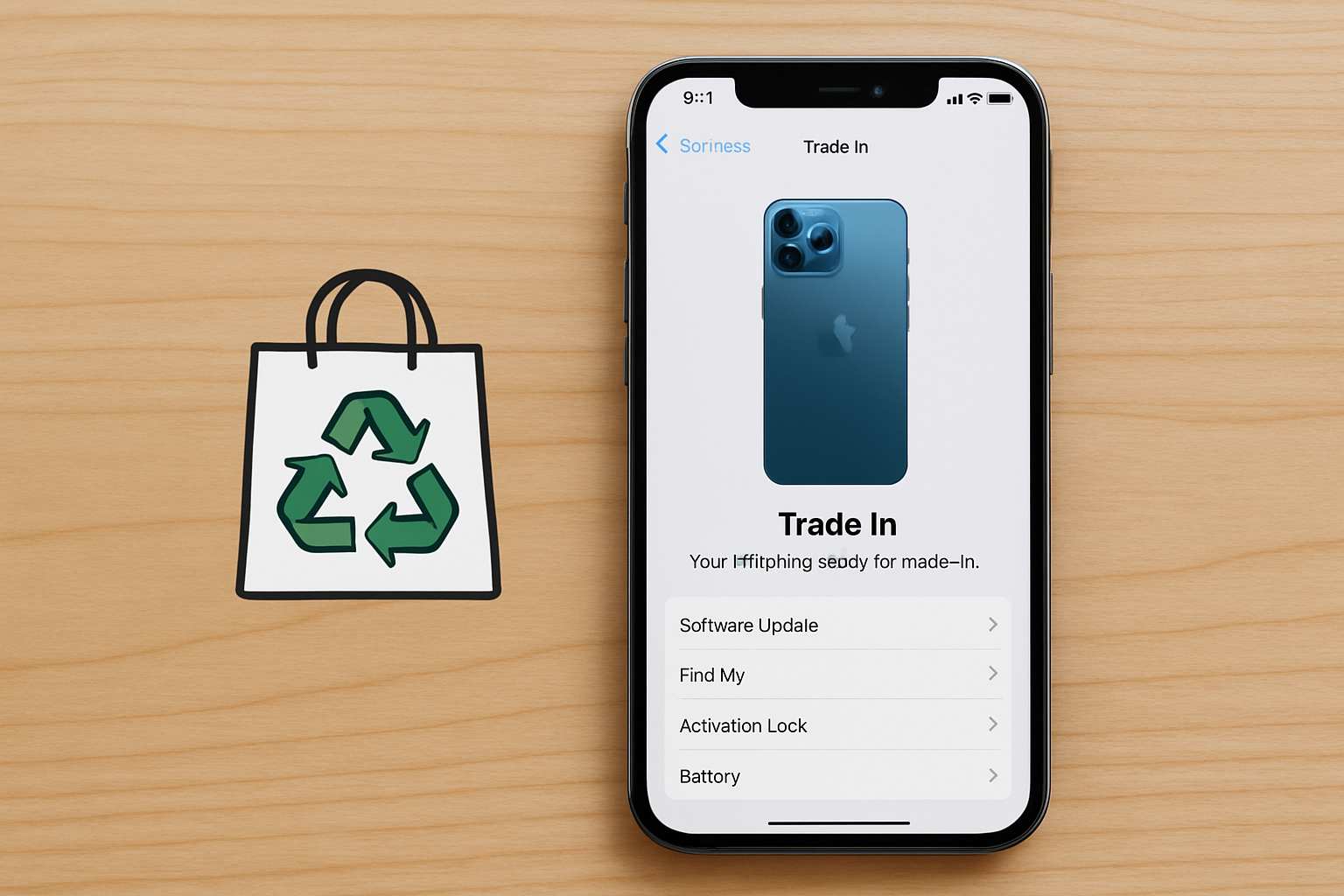
Understanding iPhone Trade-In Eligibility
If you're considering upgrading your iPhone but are concerned about the cost, trading in your current device can be a smart move. However, determining if your iPhone is eligible for trade-in requires understanding a few key factors. This article will guide you through the process, ensuring you're fully informed before you head to the store or check online options.
What Is an iPhone Trade-In Program?
An iPhone trade-in program is a service offered by retailers and carriers where you can exchange your old iPhone for credit towards a new purchase. This credit can be used to lower the cost of your new iPhone or potentially cover the entire purchase, depending on your current device's model and condition.
Factors Determining Trade-In Eligibility
1. Model and Age of the iPhone
One of the first things to check is whether your iPhone model is accepted in trade-in programs. As of 2026, most programs accept models starting from the iPhone 8 and above. Older models might not be eligible due to outdated technology or limited demand. It's also important to recognize that the newer your device, the higher the trade-in value.
2. Physical Condition
The physical condition of your iPhone significantly impacts its trade-in value. To qualify for trade-in, your iPhone should not have major damage. Here's what you should check:
- Screen: Ensure it doesn't have cracks or severe scratches. Even if there's minor wear, most programs accept it, but this might reduce the value.
- Body: The casing should be relatively dent-free and without severe discoloration.
- Functionality: The iPhone should power on, and hardware components like buttons, speakers, and cameras should be fully functional.
3. Unlock Status
Most trade-in programs require the iPhone to be unlocked. An unlocked phone is not tied to a specific carrier and can be used with any network. This increases the device's resale value as it appeals to a broader audience. If your phone is locked, contact your carrier about unlocking it before trade-in.
4. Battery Health
Batteries naturally degrade over time. An iPhone with good battery health is more attractive in trade-in scenarios. Typically, a battery health above 80% is considered good for trade-ins. To check your battery health, go to Settings > Battery > Battery Health.
How to Check Your iPhone's Trade-In Eligibility
Step 1: Identify Your iPhone Model
If you're unsure about your iPhone model, navigate to Settings > General > About. Here, you'll find the model name and number, which you can cross-reference with trade-in programs' eligible lists. Apple's website (2026) or retailer websites can provide the most up-to-date eligibility lists.
Step 2: Evaluate the Physical Condition
Conduct a thorough inspection of your iPhone under good lighting. Take note of any imperfections, as honest reporting can prevent issues during the trade-in process. Documenting the condition with photos may also be beneficial, especially if you're mailing the device.
Step 3: Check Unlock Status
To check if your iPhone is unlocked, go to Settings > General > About. If you see "No SIM restrictions," then your phone is unlocked. If not, contact your carrier to understand the unlocking process.
Step 4: Assess Battery Health
As mentioned, navigate to Settings > Battery > Battery Health to review your battery condition. Consider a battery replacement if the health is significantly below 80%—it's an investment that can significantly enhance trade-in value.
Recent Trends and Statistics
According to a 2026 survey by Consumer Reports, around 54% of smartphone users consider trade-in services crucial when planning upgrades. Furthermore, Apple's trade-in program reported a 20% increase in submissions year-over-year, indicating a growing trend towards sustainable technology practices.
How to Perform a Trade-In
Once you've ensured your iPhone meets the eligibility criteria, approach a trade-in with the following steps:
1. Choose Your Trade-In Destination
Options include your iPhone's manufacturer (like Apple's Official Program), network carriers, or third-party services. Each offers different trade-in values and deals, so it's wise to compare before committing. Online platforms like Gadget Gone and Gazelle offer competitive evaluations.
2. Backup and Erase Your Data
To protect your information, back up your data to iCloud or a computer. Once backed up, erase all content by going to Settings > General > Transfer or Reset iPhone > Erase All Content and Settings.
3. Send or Drop Off Your iPhone
If trading in online, package your iPhone securely following the company's instructions and send it via a reliable courier. For in-store trades, simply bring your device in with any necessary documentation, like proof of purchase or ID.
Conclusion
Determining the trade-in eligibility of your iPhone is straightforward when you know what to check. Remember, the ultimate goal is to maximize the value received while contributing to a more sustainable electronic environment. For more information, check Apple's official trade-in page or visit tech-oriented online forums to get insights from others who have gone through the process recently.
https://www.apple.com/in/shop/trade-in
https://www.apple.com/in/shop/buy-iphone
https://www.apple.com/in/iphone/
https://www.apple.com/in/iphone-17/switch/
https://www.apple.com/in/legal/sales-support/trade-in/in/
https://support.apple.com/en-in/guide/iphone/iph415eb3fe5/ios
https://www.apple.com/in/store
https://www.cashify.in/best-iphone-exchange-offer-how-to-get-the-steal-deal