Massive Savings Alert: Limited Time Offers on Top Wireless Printers at Walmart
That’s right, Walmart is making space on its shelves and clearing out a great selection of wireless printers right now. To save you the hassle of sorting through them all, we’ve rounded up the standout models worth your attention.
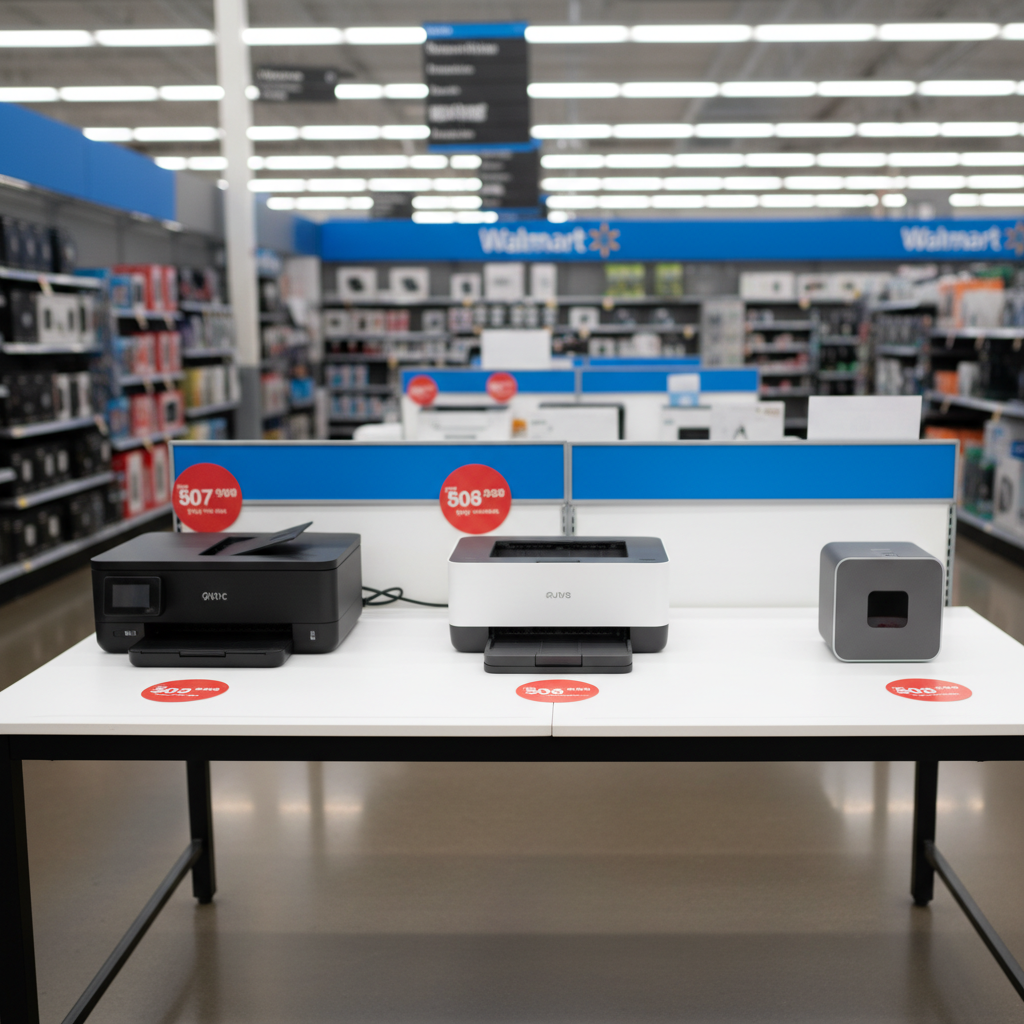
Walmart Is Clearing Out These Wireless Printers
Top Wireless Printer Models You Might Find on Clearance
Retailers like Walmart frequently update their inventory, which often means that perfectly good, slightly older models of electronics go on clearance. This is a fantastic opportunity for consumers to get a high-quality wireless printer at a fraction of its original price. While specific clearance items vary by store and location, certain models and types of printers are common candidates. Below, we explore some of the popular wireless printers you might find marked down.
HP DeskJet 4155e All-in-One Wireless Printer
The HP DeskJet 4155e is a versatile all-in-one device that frequently appears in clearance events as newer models in the series are introduced. It’s an ideal choice for home users, students, and small home offices that need more than just printing capabilities. This model allows you to print, scan, and copy with ease, and it includes a 35-page automatic document feeder, which is a significant time-saver for multi-page scanning or copying jobs. Its wireless capabilities are robust, allowing for easy printing from smartphones, tablets, and laptops via the HP Smart app. The app simplifies setup and lets you manage print jobs or check ink levels remotely.
One of the key features of the "e" series printers from HP is their integration with the HP+ system. When activated, HP+ provides an extra year of warranty and includes a trial subscription to Instant Ink, HP's ink delivery service. While this is a subscription, it can be a cost-effective solution for those who print regularly, as the printer automatically orders new cartridges before you run out. For those looking for a reliable, multi-function device for everyday tasks like printing homework, reports, and photos, the DeskJet 4155e offers a fantastic balance of features and affordability, especially when found on clearance.
Canon PIXMA MG3620 Wireless All-In-One Color Inkjet Printer
Canon’s PIXMA line is renowned for its excellent photo printing quality, and the MG3620 is a popular budget-friendly model that often gets discounted. This printer is a compact and straightforward all-in-one solution perfect for home use where space might be limited. It excels at producing vibrant, high-quality color prints, making it a great option for families who want to print photos, creative projects, or colorful school assignments. Its core functions include printing, scanning, and copying, all accessible through its simple wireless setup.
The PIXMA MG3620 supports a range of mobile printing options, including the Canon PRINT app, AirPrint for Apple devices, and Google Cloud Print. This makes it incredibly convenient to print documents and photos directly from your phone without needing a computer. Another user-friendly feature is its auto-duplexing (two-sided printing) capability, which helps save paper and is often not found on printers at this price point. If your primary need is high-quality color and photo printing for occasional to moderate use, finding a PIXMA MG3620 on clearance is a deal that’s hard to beat.
Brother HL-L2350DW Compact Monochrome Laser Printer
Not everyone needs color printing. For students, home offices, or anyone who primarily prints text-based documents like essays, reports, invoices, and shipping labels, a monochrome laser printer is often the most economical choice. The Brother HL-L2350DW is a workhorse in this category and a prime candidate for clearance sales. Its main advantage is speed and cost-effectiveness. It can print up to 32 pages per minute, a speed that inkjet printers in the same price range can rarely match. Furthermore, toner cartridges for laser printers have a much higher page yield than ink cartridges, meaning your cost per page is significantly lower over time.
This model features reliable wireless connectivity, allowing multiple users to connect from their various devices. It also includes automatic duplex printing to help reduce paper consumption. While it only prints in black and white and lacks scanning or copying functions, it excels at its one job: printing sharp, professional-quality text quickly and cheaply. If you’re tired of the high cost and frequent replacement of color ink cartridges and your printing needs are focused on documents, the Brother HL-L2350DW is an outstanding value, particularly when purchased at a clearance price.
Epson WorkForce WF-2830 All-in-One Wireless Color Printer
The Epson WorkForce series is designed to bridge the gap between basic home printers and more robust office machines. The WF-2830 is a compact all-in-one that packs a surprising number of business-friendly features into a small footprint, making it another model you might see on discount. It offers printing, copying, scanning, and even faxing capabilities, covering all the bases for a productive home office setup. It also includes a 30-page auto document feeder, which is essential for efficiently handling multi-page documents.
Powered by Epson's PrecisionCore technology, the WF-2830 delivers sharp text and decent color graphics, suitable for professional documents and presentations. Its wireless and networking features are comprehensive, including Wi-Fi Direct for router-free printing from mobile devices. It’s also compatible with the Epson Smart Panel app, which allows users to set up, monitor, and operate the printer directly from their smartphone. For someone running a small business from home or a remote worker needing reliable, multi-function capabilities without investing in a large office machine, the WF-2830 offers a great blend of performance and convenience.
The Shift to Wireless: Why Cable-Free Printing Became the Norm
Not too long ago, printing a document required a direct physical connection between a computer and a printer, usually via a bulky parallel or USB cable. This setup was restrictive, tethering the printer to a single machine and creating cable clutter. The widespread adoption of Wi-Fi in homes and offices fundamentally changed this paradigm, paving the way for the dominance of wireless printers.
The primary driver behind this shift is convenience. Wireless printing liberates users from physical constraints, allowing them to place the printer anywhere within the Wi-Fi network's range, not just next to the computer. This flexibility is invaluable in modern homes and offices where space is often at a premium. More importantly, it enables seamless multi-device support. A single wireless printer can serve an entire household or office, allowing everyone to print from their laptops, tablets, and smartphones effortlessly. This "print from anywhere" capability, facilitated by mobile apps and cloud printing services, has become an expectation for the modern user, making wired printers feel obsolete for most consumer needs.
Key Questions to Ask Before Buying a Clearance Printer
Finding a great deal is exciting, but it's important to ensure the printer you choose actually fits your needs. Answering a few key questions can help you make a smart purchase and avoid buyer's remorse.
How Do I Choose the Right Printer for My Needs?
The "best" printer is entirely subjective and depends on your specific use case. Start by evaluating what you will print most often. If your primary need is printing photos and colorful school projects, an inkjet all-in-one from a brand like Canon or HP is an excellent choice. These printers are designed to produce vibrant colors and handle glossy photo paper well. Their multi-function capabilities (scan, copy) also add value for general household tasks.
Conversely, if you are a student printing hundreds of pages of essays or a small business owner printing invoices and reports, a monochrome laser printer is likely a better fit. While the initial cost might be slightly higher than a basic inkjet, the cost per page is significantly lower due to the high yield of toner cartridges. They also offer faster print speeds for text documents. Finally, consider functionality. Do you need to scan, copy, or fax? If so, an all-in-one (AIO) model is necessary. If you only need to print, a print-only model will be more affordable and straightforward.
What's the Difference Between Inkjet and Laser Printers?
Understanding the fundamental difference between inkjet and laser technology is crucial for making the right choice. Inkjet printers work by spraying microscopic droplets of liquid ink onto paper. This method is ideal for blending colors smoothly, which is why inkjets excel at printing high-resolution photos and complex color graphics. However, the ink cartridges can be expensive and may dry out if not used regularly. They are generally best for low-to-moderate print volumes.
Laser printers, on the other hand, use a fine powder called toner, which is fused onto the paper with heat. This process is incredibly fast and precise, resulting in exceptionally sharp and durable text. A single toner cartridge can often print thousands of pages, making the long-term cost per page much lower than an inkjet. While color laser printers exist, the most cost-effective options are monochrome (black and white) models. Laser printers are the superior choice for high-volume text-based printing where speed and low operating cost are the top priorities.
Conclusion
Finding a wireless printer on clearance at Walmart can lead to significant savings on a vital piece of home or office technology. By looking for well-regarded models from brands like HP, Canon, Brother, and Epson, you can acquire a feature-rich device for a fraction of the cost. Before you buy, take a moment to consider your primary printing needs—whether it's photos, documents, or a mix of both—and choose the technology (inkjet or laser) that best aligns with your usage patterns and budget. A smart purchase will provide years of convenient, cable-free printing for all your devices.