Maximize Your Savings: Steps to Check Samsung Trade-In Value
Looking to find the tradein value of your Samsung device? Discover how you can check Samsung tradein value quickly and easily with our straightforward guide. While exact values can vary, understanding your device's potential tradein offers can help you make informed decisions when upgrading.
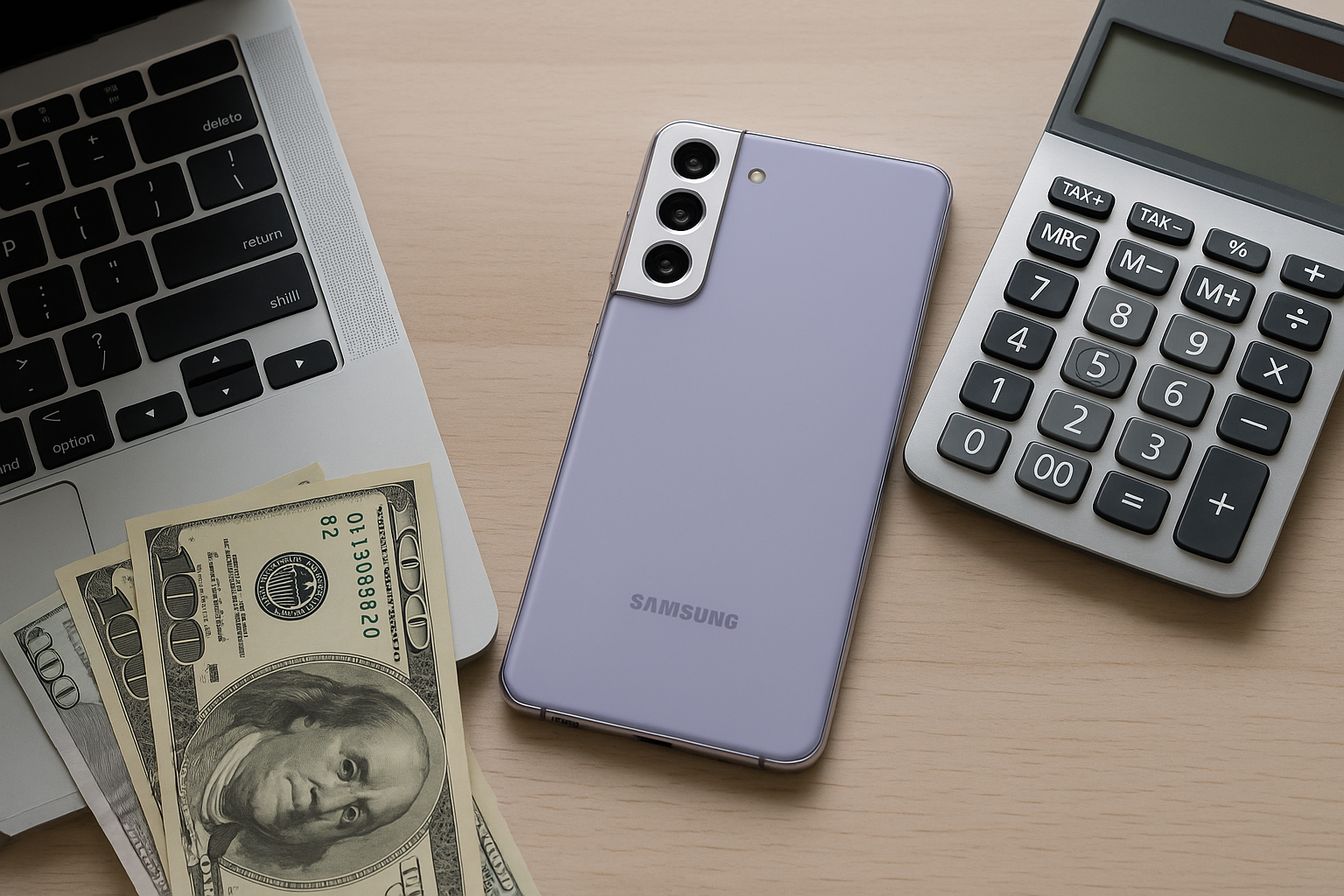
Understanding Samsung Trade-In Value: The Basics
The concept of trade-in offers a win-win situation for both the consumer and the company. For those looking to upgrade their Samsung devices, understanding how to check your Samsung trade-in value is key to maximizing the benefits of your current tech investment. This process helps you save money on a new device by giving value to your old one.
What is Samsung Trade-In Program?
The Samsung Trade-In Program allows users to exchange their old devices for a discount on new Samsung products. This program is designed to provide consumers with an affordable path to keep up with the latest technology. With the rapid pace of technological advancements, such programs become essential as they promote both affordability and sustainability.
Why Consider Trading In Your Samsung Device?
- Cost Savings: Trading in your device can significantly reduce the cost of buying a new one.
- Environmental Impact: Recycling electronics reduces e-waste and promotes sustainable practices.
- Simplified Upgrade Process: Trading in offers a seamless transition from an old device to a new one.
These benefits make the trade-in program an attractive option for many consumers.
How to Check Your Samsung Trade-In Value
To check the trade-in value of your Samsung device, you need to follow a few straightforward steps. Let's dive into these steps for a simpler understanding:
Step 1: Access Samsung's Trade-In Program Online
Visit the official Samsung website and navigate to the 'Trade-In' section. This section will guide you through the process with prompts and information about eligible devices and criteria.
Step 2: Select Your Device
Choose your device from the list of eligible models. Samsung typically accepts a wide range of devices, including smartphones, tablets, and wearables. Confirm your device's details, such as the model and condition, to get an accurate trade-in estimate.
Step 3: Assess Your Device's Condition
- Good Condition: Your device should power on, have no screen cracks, and be free of significant body damage.
- Fair Condition: Minor scratches or dents may be acceptable, but all functionalities must work.
- Poor Condition: Devices with severe problems may not be eligible for trade-in value.
Being honest about your device's condition ensures you receive an accurate trade-in value, preventing any adjustments after sending it in for assessment.
Step 4: Receive Instant Quote
Once you’ve filled in the details, Samsung will provide an immediate trade-in estimate. This figure represents the value that will be deducted from your new device purchase. Use this quote to assess if the trade-in is beneficial based on your upgrade plans.
Factors Influencing Samsung Trade-In Value
Several factors can affect how much you get for trading in your Samsung device. Understanding these can help you make informed decisions and potentially increase your trade-in value.
Device Model
Newer models typically have higher trade-in values as they are more in demand. For example, a 2025 Samsung Galaxy S22 will generally fetch more than an older model such as the Galaxy S10.
Device Condition
The condition plays a crucial role. Devices free from major damage will attract higher trade-in offers. Ensure your device is clean and any minor repairs needed are addressed if economically feasible.
Market Demand
Trade-in values can fluctuate with market trends. When new devices launch, older models' trade-in values might vary as demand shifts. Timing your trade-in around new releases could boost the offer value slightly.
Tips for Maximizing Your Samsung Trade-In Value
To get the best trade-in value for your device, consider these strategies:
- Keep Original Accessories: Including chargers and boxes can potentially increase the trade-in value.
- Protect the Device: Use cases and screen protectors to keep your device in good condition.
- Unlock Your Device: Ensure your smartphone is carrier-unlocked, as this typically increases trade-in value.
What Happens After the Trade-In?
Once you have selected your new device and finalized the trade-in online, Samsung will often provide a prepaid shipping label. You'll need to send your old device to them, where its condition will be verified. You receive your new discounted device while Samsung takes care of recycling or refurbishing your old device, promoting eco-friendly practices.
Conclusion
Trading in your Samsung device is a smart way to stay updated with the latest technology while being economically savvy and environmentally conscious. With an understanding of how to check and maximize your trade-in value, you can leverage Samsung’s Trade-In Program to its full potential, aligning your tech updates with modern sustainability goals.
For more details, you can always refer to Samsung's official page on Trade-In Program. Or check another comprehensive guide on reducing e-waste through reliable sources such as EPA's recycling page.
- https://www.samsung.com/us/trade-in/
- https://www.samsung.com/us/trade-in/frequently-asked-questions/
- https://www.samsung.com/us/trade-in/terms-and-conditions/
- https://us-samsung-tradein.likewize.com/trade/public
- https://order-help.us.samsung.com/articles/tradein/how-do-i-trade-my-device-in/669e3173cd7d5a05a53183ea
- https://order-help.us.samsung.com/articles/tradein/what-happens-if-samsung-rejects-my-tradein/669e31779ab2194ecb0359c7