Navigating Apple Trade-In: Understanding Your iPhone's Condition Requirements
Discover how to maximize the value of your iPhone with the Apple Trade In program. What condition does my iPhone need for Apple Trade In? Find out the criteria Apple uses, from cosmetic appearance to functionality, ensuring you get the best possible appraisal.
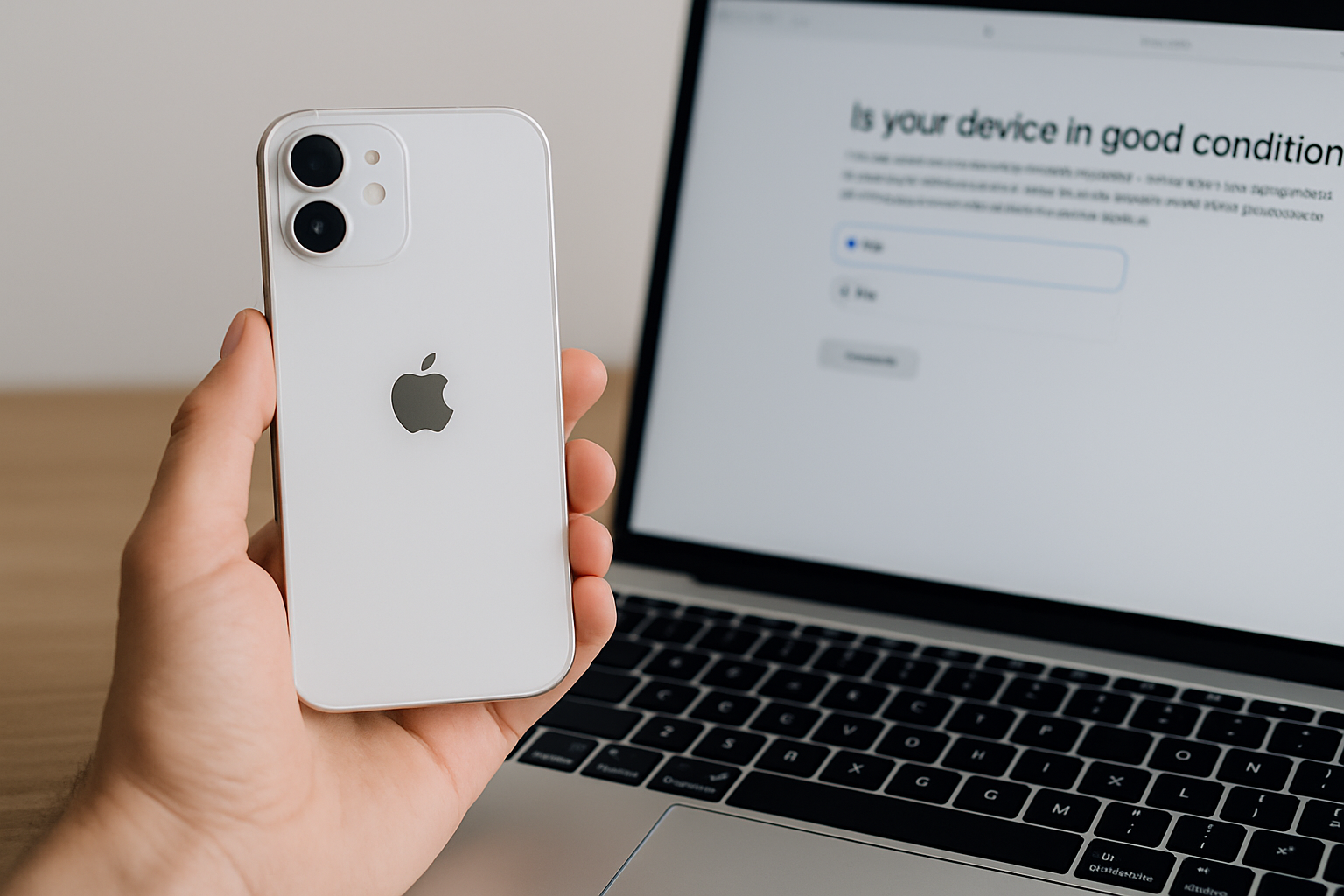
Understanding Apple's Trade-In Program
The Apple Trade-In program is a valuable service that allows you to exchange your old device for credit toward a new purchase or to receive an Apple Gift Card. This program is designed to be user-friendly and encourages responsible recycling of old devices. If you're considering trading in your iPhone, it's essential to understand the conditions your device must meet.
What Is the Apple Trade-In Program?
The Apple Trade-In program is Apple's initiative to promote environmental sustainability. By allowing customers to trade in their older devices, Apple encourages users to upgrade to the latest technology while responsibly recycling or refurbishing the returned products. In 2026, Apple has expanded their trade-in options with additional support for older models, reflecting their commitment to the circular economy.
According to Apple, users can receive trade-in estimates online and ship devices using a prepaid trade-in kit, making the process convenient and accessible for everyone. Depending on the condition and model, users receive either credit for a new purchase or an Apple Gift Card, which can be used for future Apple Store orders.
What Condition Does My iPhone Need to Be In?
Your iPhone needs to meet certain criteria to be eligible for trade-in. While Apple is flexible with minor wear and tear, there are specific conditions your device must satisfy. Let's break these down:
Physical Condition
The physical condition of your iPhone greatly influences its trade-in value. Here are some key aspects Apple assesses:
- Screen Condition: The screen should be free of cracks, heavy scratches, or pixel defects. While minor scratches are usually acceptable, severe damage will likely reduce the trade-in value or disqualify it.
- Housing and Frame: The iPhone's body should be intact without visible dents or deformation. Small blemishes might be overlooked, but structural damage often affects eligibility.
- Button Functionality: All buttons, including the home, volume, and power buttons, should be fully operational. Malfunctioning buttons can reduce the value significantly.
Functional Condition
Beyond physical appearance, your iPhone's internal functionality is crucial:
- Battery Health: Apple recommends that the battery health should be above 80%. You can check this in the settings under Battery Health. Batteries that need replacement might lower the value.
- Software and Hardware Functionality: The device should be able to power on and off properly, and all features including Wi-Fi, Bluetooth, and cellular should work as expected. Any hardware issues might make it ineligible.
iOS Version and iCloud Status
Your iPhone should have the latest iOS updates installed. Additionally, be sure to sign out of iCloud and disable "Find My iPhone" to avoid issues during the trade-in process.
How to Prepare Your iPhone for Trade-In
Preparing your iPhone for trade-in is crucial to ensure a smooth transaction. Here's a detailed guide:
Backup Your Data
First, ensure all your vital data is backed up. This can be done easily through iCloud or iTunes on a computer. A backup safeguards your data and makes it easy to transfer to your new device.
Disable Features
Remember to turn off features like "Find My iPhone" in your iCloud settings. This is critical to prevent the device from remaining linked to your Apple ID, which can prevent trade-in.
Factory Reset Your iPhone
After backing up your data and disabling necessary features, perform a factory reset to wipe your iPhone to secure your personal information. Navigate to "Settings" > "General" > "Reset" > "Erase All Content and Settings".
Common Questions and Concerns
What If My iPhone is Cracked?
If your iPhone has a cracked screen or other substantial physical damage, Apple might not offer credit, or the trade-in value could be significantly reduced. Apple sometimes offers a recycling option for devices that are not eligible for trade-in credit.
Can I Trade in Multiple Devices?
Yes, Apple allows you to trade in multiple devices. Each device will be evaluated individually for trade-in credit, which you can apply toward a single purchase or multiple transactions.
What Happens to Traded-In iPhones?
Traded-in iPhones are either refurbished for resale, repurposed for parts, or recycled. In 2026, Apple has further refined their recycling processes in partnership with e-waste recyclers to increase material recovery rates by 15% (source: Apple Environment).
Conclusion
Understanding the condition requirements for Apple's Trade-In program can maximize your trade-in value while contributing to environmental sustainability. Whether upgrading to a new device or simply looking to offload an old one, following these guidelines will ensure a hassle-free trade-in experience. For further insights, consider checking Apple's official trade-in page for up-to-date details.
https://www.apple.com/in/shop/trade-in
https://www.apple.com/in/shop/buy-iphone
https://www.apple.com/in/iphone/
https://www.apple.com/in/iphone-17/switch/
https://www.apple.com/in/legal/sales-support/trade-in/in/
https://support.apple.com/en-in/guide/iphone/iph415eb3fe5/ios
https://www.apple.com/in/store
https://www.cashify.in/best-iphone-exchange-offer-how-to-get-the-steal-deal