Step-by-Step Guide: Setting Up PayID for Instant Payments in Australia
Discover the essentials of setting up PayID for seamless transactions in Australia. This guide walks you through the straightforward steps to connect your bank account with PayID, ensuring quick and hassle-free payments.
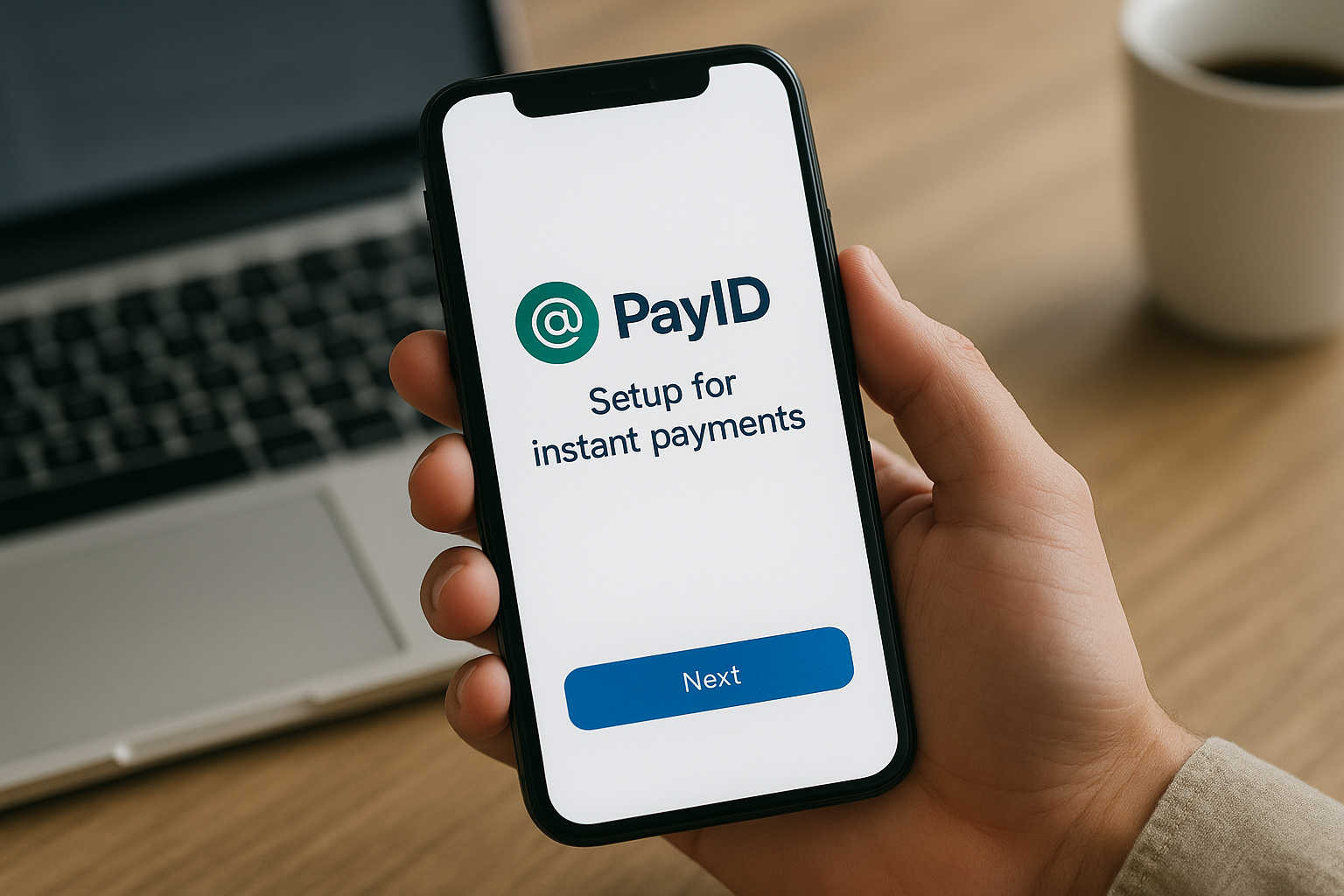
Understanding PayID and Its Benefits
PayID is an innovative payment system designed to simplify the process of sending and receiving money instantly. Introduced in Australia as part of the New Payments Platform (NPP), PayID allows users to receive payments without needing to disclose their bank account numbers. This convenience and security have made it increasingly popular among businesses and individuals alike.
The primary benefit of using PayID is its ability to streamline financial transactions, allowing users to connect their bank accounts to an easy-to-remember identifier. This identifier can be a mobile number, an email address, or an Australian Business Number (ABN), making it easier for others to send money directly to your account.
According to a 2026 report from the Australian Payments Network, over 60% of bank account holders now use PayID as their preferred method for receiving payments, highlighting its rapid adoption and trust among users (source: [Australian Payments Network](https://www.auspaynet.com.au)).
Step-by-Step Guide to Setting Up PayID
Step 1: Choose Your PayID
The first step to setting up a PayID is to decide on the type of identifier you want to use. You have several options to choose from:
- Mobile Number: Using your existing mobile number is the most straightforward option.
- Email Address: This is a great option for those who prefer not to disclose their phone number.
- Australian Business Number (ABN): If you're using PayID for business transactions, registering with your ABN can improve professionalism and credibility.
Step 2: Register Your PayID with Your Bank
Most Australian banks offer PayID services, and the registration process can typically be completed online or through your bank's mobile app. Here's how to register your PayID:
- Log in to your bank's online banking platform or open the mobile app.
- Navigate to the section that manages payment settings or account services.
- Select the option to create or register a new PayID.
- Choose your preferred PayID type (mobile number, email, or ABN) and enter the details.
- Follow the prompts to confirm your details and link your selected PayID to your bank account.
It's important to note that each PayID can be linked to only one bank account at a time, although you can change the account if necessary.
Step 3: Verification and Confirmation
Once you've registered your PayID, your bank will likely require verification to ensure that you've entered the correct information. This may involve receiving a confirmation message or code via SMS or email, which you'll need to enter back into your banking platform to complete the setup process.
Security Features of PayID
Security is a top priority in any financial transaction, and PayID systems incorporate several safeguards to protect your information and money:
- Confidentiality: Using a PayID means your bank account number remains private, adding a layer of security against potential threats.
- Encryption: All transactions made through PayID are encrypted, ensuring that your payment details are not accessible to unauthorized parties.
- Consistent Monitoring: Banks continuously monitor PayID transactions for suspicious activities, reducing the potential for fraud.
The government's financial year 2026 report emphasised how PayID has significantly reduced fraudulent transactions compared to traditional banking methods (source: [Australian Securities and Investments Commission](https://asic.gov.au)).
Common FAQs and Troubleshooting
Why Can’t I Use My Email as a PayID?
There are a few common reasons why you might experience issues using your email address as a PayID:
- The email is already registered as a PayID with another bank account. You'll need to deregister it from the previous account.
- Your bank may have ongoing maintenance, so try again later or contact customer support for assistance.
How Do I Update or Change My PayID?
If you need to update the details of your PayID or change the bank account it's linked to, follow these steps:
- Log in to your online banking account or use the bank's app.
- Navigate to the appropriate section for managing your PayID.
- Choose the option to update, change, or deregister your PayID.
- Follow the prompts to provide new information or link to a different account.
Conclusion
Setting up a PayID in Australia provides a seamless and secure way to handle instant payments, making daily transactions more efficient. With its growing popularity and trust, it has become an integral part of modern banking. By following the steps outlined above, you can easily set up and manage your PayID, ensuring you stay on top of your financial transactions with confidence.