Transform Your Smartphone Into a Powerhouse with These Game-Changing Accessories
The idea of replacing your laptop with the phone in your pocket is no longer just a futuristic concept. To make it a reality, however, you need the right gear to unlock a true desktop experience.
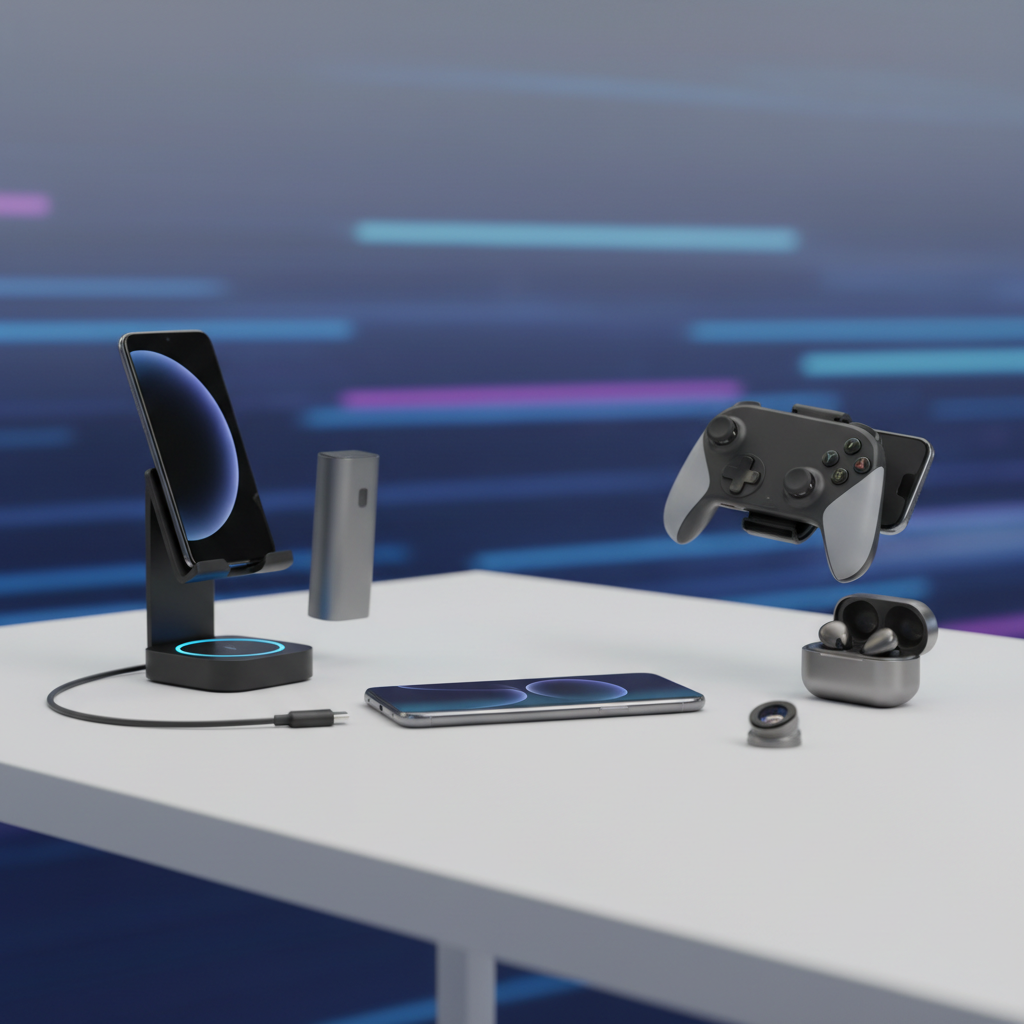
Your Phone Might Replace Your Laptop With These Accessories
The line between smartphones and traditional computers is blurring more every year. With processors that rival laptop chips and sophisticated operating systems, modern flagship phones pack an incredible amount of power into a pocket-sized device. However, tapping away at a tiny glass screen isn't ideal for serious work. The key to unlocking your phone's true potential lies in pairing it with the right accessories. These tools can transform your phone from a simple communication device into a legitimate productivity hub, capable of handling tasks once reserved for a bulky laptop.
By building a modular setup around your phone, you can create a powerful and portable workstation that adapts to your needs. Whether you're a student taking notes, a professional answering emails on the go, or a remote worker needing a flexible office, the right combination of gear can make your phone the only computer you need. Here are the essential accessories that make this futuristic vision a present-day reality.
1. Portable USB-C Monitor
The single biggest limitation of working on a phone is its small screen size. A portable monitor instantly solves this problem, giving you a full-sized display powered directly by your phone. These monitors are slim, lightweight, and typically connect via a single USB-C cable that handles both video and power. This creates an experience remarkably similar to using a laptop, allowing you to see more of your documents, spreadsheets, or web pages at once without constant zooming and scrolling.
When choosing a portable monitor, look for features like a 1080p (Full HD) or higher resolution for crisp text and images, a built-in stand for easy setup, and ideally, pass-through charging. Pass-through charging is a crucial feature that allows you to plug your wall charger into the monitor, which then powers itself while also charging your phone. This prevents your phone's battery from draining while it's driving the larger display, ensuring you can work for extended periods without interruption.
2. Full-Sized Foldable or Bluetooth Keyboard
Typing anything longer than a short text message on a virtual keyboard is inefficient and prone to errors. A physical keyboard is non-negotiable for any serious productivity. For maximum portability, a foldable Bluetooth keyboard is an excellent choice. These keyboards collapse to a size that can easily fit in a jacket pocket or small bag, yet unfold to offer a near-full-size typing experience with satisfying tactile feedback.
Alternatively, any standard compact Bluetooth keyboard will also work perfectly. Many models are designed to pair with multiple devices, allowing you to switch between your phone, a tablet, and a home computer with the press of a button. Look for keyboards with long battery life and a comfortable layout. The addition of a physical keyboard fundamentally changes the way you interact with your phone, making tasks like writing long emails, drafting documents, or coding feel natural and efficient.
3. Compact Bluetooth Mouse
While you can navigate your phone's desktop mode with the touchscreen, a mouse provides the precision and speed needed for a true laptop-like experience. A compact Bluetooth mouse completes the classic desktop trio of monitor, keyboard, and mouse. It allows for easy clicking, dragging, and selecting of text and files, which can be clumsy to do with a finger on a large screen.
Modern mobile operating systems like Android and iOS offer excellent mouse support, complete with an on-screen cursor that functions just as it would on a Windows or macOS computer. When selecting a mouse, consider one that is slim and lightweight for easy transport. Many travel mice are designed with a low profile that slips easily into a bag. This simple accessory is the final piece of the puzzle for navigating complex user interfaces and applications with ease.
4. Multi-Port USB-C Hub or Docking Station
Your phone likely has only one or two ports, which is where a USB-C hub becomes essential. This single accessory acts as a central connection point for all your other peripherals. A good hub will expand your phone's single USB-C port into a variety of useful connections, such as HDMI for video output to a monitor or TV, multiple USB-A ports for a keyboard, mouse, or flash drive, an SD card reader for transferring photos, and a dedicated USB-C port for power delivery.
A docking station is the cornerstone of a phone-powered workstation. It allows you to connect everything—your monitor, keyboard, mouse, external storage, and charger—with a single cable to your phone. This means you can walk up to your desk, plug in one cable, and instantly have your entire setup ready to go. When you need to leave, just unplug that one cable and you're mobile again. It provides the ultimate blend of convenience and capability.
5. Portable SSD (Solid-State Drive)
While phone storage has increased significantly, it can still fill up quickly with apps, photos, and videos. For serious work involving large files, a portable SSD is a game-changer. These drives are incredibly fast, durable, and compact, offering a massive storage boost that you can carry in your pocket. You can use a portable SSD to store large project files, media libraries, or system backups.
Connecting an SSD through your USB-C hub allows you to access and transfer files at lightning-fast speeds, often rivaling the performance of an internal laptop drive. This is particularly useful for content creators who need to offload 4K video from their phone or professionals who work with large datasets or presentations. It effectively gives your phone unlimited storage capacity, removing a major bottleneck for professional-grade work.
The Rise of 'Desktop Mode': How Phones Became Powerhouses
The ability to use a phone as a laptop replacement isn't just about hardware; it's powered by incredible software advancements. The core technology enabling this is often called "desktop mode." This is a special software feature built into the operating systems of many high-end smartphones that activates when the phone is connected to an external display. Instead of simply mirroring the phone's vertical screen, it projects a familiar, window-based desktop environment, much like Windows or macOS.
Pioneers in this space include Samsung with its DeX (Desktop Experience) platform and Motorola with its "Ready For" feature. When activated, these modes provide a taskbar, resizable app windows, right-click functionality, and file management that mimics a traditional computer. You can have multiple apps open side-by-side, drag and drop files between windows, and use keyboard shortcuts you're already familiar with. This software layer is the magic that translates the input from your keyboard and mouse into a productive, intuitive workflow on the big screen, effectively bridging the gap between mobile convenience and desktop power.
Common Questions About Phone-Powered Setups
Can a Phone Truly Replace a Laptop for Everyone?
The honest answer is: it depends on your workflow. For a large and growing number of people, the answer is yes. Students, writers, sales professionals, and many remote workers who primarily operate within web browsers, email clients, and office suites (like Google Docs or Microsoft 365) can absolutely replace their laptop with a phone-powered setup without missing a beat. The capabilities are more than sufficient for document editing, spreadsheet management, creating presentations, attending video calls, and web browsing.
However, there are still power users for whom a dedicated laptop remains essential. Professionals who rely on specialized, resource-intensive software—such as video editors using Adobe Premiere, software developers compiling large codebases, or architects using CAD software—will find that mobile apps still lack the full feature set and raw performance of their desktop counterparts. While you can perform light photo and video editing on a phone, heavy-duty creative and technical work is still best left to a machine with a more powerful dedicated processor, graphics card, and cooling system.
Understanding USB-C and Thunderbolt: The Key to Connectivity
The port on your phone is the gateway to this entire ecosystem, and not all USB-C ports are created equal. The USB-C connector is just the physical shape; the technology behind it is what matters. For a phone to output video to an external monitor, its USB-C port must support "DisplayPort Alternate Mode." Most flagship and upper-mid-range phones from brands like Samsung, Google, and Motorola include this feature, but it's often absent on budget devices. It's crucial to check your phone's specifications to ensure it supports video output over USB-C.
Thunderbolt is a high-performance standard developed by Intel that also uses the USB-C connector shape. While more common on laptops (like MacBooks) and high-end PCs, it's starting to appear on some premium tablets and phones. Thunderbolt offers significantly higher data transfer speeds than standard USB-C and can support more demanding setups, like dual 4K monitors. For most phone-based workstations, a standard USB-C port with DisplayPort Alt Mode is perfectly sufficient. Understanding this distinction helps ensure you buy a phone and accessories that are compatible and will perform as expected.
Conclusion
The days of being tethered to a heavy laptop are numbered for many users. By thoughtfully selecting a few key accessories—a portable monitor, a physical keyboard and mouse, and a versatile USB-C hub—you can unlock the immense computing power already sitting in your pocket. This modular approach offers unparalleled flexibility, allowing you to build a powerful workstation wherever you go. While it may not replace the specialized machines of high-demand power users just yet, the phone-as-a-computer setup is no longer a futuristic gimmick. It's a practical, powerful, and cost-effective solution for modern productivity.
For further reading on mobile productivity and technology, consider these resources:
- Android Authority - For news and reviews on Android devices and accessories.
- Samsung DeX Official Page - To learn more about one of the leading desktop mode platforms.