Understanding the Condition Requirements for Your iPhone in Apple Trade In
Wondering about Apple Trade In? Discover what condition your iPhone must meet for a successful trade. From gently used to slightly scratched, knowing the specifics can enhance your trade-in value. While exact outcomes aren't guaranteed, prepping your iPhone could make a difference.
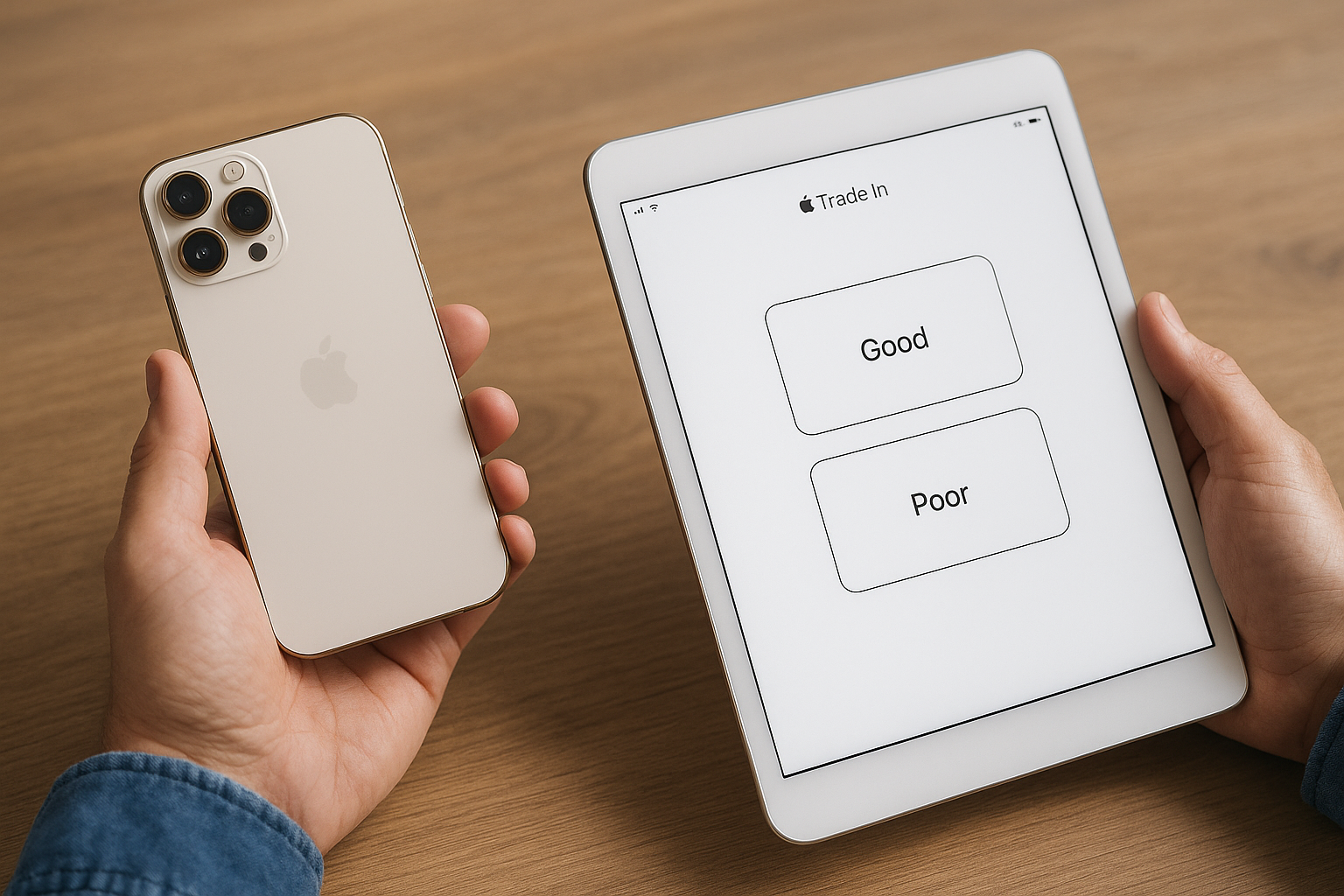
Understanding Apple Trade-In Program
Apple's Trade-In program is a convenient and straightforward process that allows you to exchange your old iPhone for credit towards a new purchase or a gift card. Before diving into the process, understanding the condition your iPhone needs to be in for a successful trade-in is essential. This information not only saves you from potential disappointment but maximizes the value you can get from Apple.
What Condition Does My iPhone Need for Trade-In?
Apple is known for having specific requirements when it comes to the condition of your iPhone for trade-in. The device’s condition considerably impacts the trade-in value you receive. Here are the main condition categories commonly used:
1. Like New or Excellent Condition
If your iPhone appears and functions as if it's almost new, it falls into this category. This means no or minimal scratches, full functionality of all features, a battery in good health, and clear IMEI status.
- No visible scratches, dents, or deformities.
- Functions perfectly with no hardware damage.
- No dead pixels or cracked screen.
- All buttons and cameras are operational.
Real-world example: Emma exchanged her iPhone 13 Pro Max, which was only six months old with no physical damage. Thanks to its excellent condition, she received maximum trade-in value.
2. Good Condition
A step below 'like new,' good condition typically involves minor wear and tear that doesn't affect the performance of the device.
- Minor scratches or wear on the body, but no cracks.
- Fully functional features, though the battery may be slightly degraded.
- Minor imperfections that do not affect usability.
Real-world example: John traded in his iPhone 12, which had minor surface scratches but operated perfectly otherwise. His device was classified as good condition, leading to competitive trade-in credit.
3. Fair Condition
Devices in fair condition show heavy signs of use but are still operational.
- Noticeable scratches and dents but no major cracks.
- All features work, although some functions may be impaired.
- Noticeable wear on physical buttons or ports.
Real-world example: Lisa's iPhone X had multiple scratches and a slightly degraded battery, but it was deemed fair and traded in for a moderate amount.
4. Poor Condition or Not Working
Devices in poor condition might not qualify for trade-in but could be recycled.
- Severe cosmetic damage, such as cracked screens.
- Hardware components are not functioning correctly.
- The device won’t power on or stay powered.
Real-world example: Mark's iPhone 8 had a broken display and non-functional power button. Apple offered to recycle rather than trade it in.
How to Prepare Your iPhone for Trade-In
Preparing your iPhone for trade-in ensures you maximize its value and avoid any processing delays. Here are some steps to prepare your device:
1. Backup Your Data
Ensure all your essential data are safely backed up on iCloud or a computer.
2. Disconnect Apple Devices
Sign out of iCloud and iTunes/App Store and erase all settings to avoid security issues.
3. Clean the Device
Carefully clean your iPhone, removing any debris from ports and the screen.
4. Remove Accessories
Detach any third-party accessories and remove the SIM card before sending the device.
Increasing Your Trade-In Value
To get the best trade-in value, consider trading in your device earlier. According to a 2026 report from Market Watch, iPhones retain about 20-25% more value when traded in within the first 18 months. Also, devices in better physical condition fetch higher values (source: Market Watch 2026 Report).
Conclusion
Trading in an iPhone through Apple's Trade-In program is an excellent way to offset the cost of a new device. Ensuring your iPhone is in the best possible condition significantly impacts the credit you receive. Always prepare your device by backing up data and cleaning it thoroughly. Follow these guidelines, and you'll be well on your way to a smooth trade-in experience with Apple.
Sources:
https://www.apple.com/shop/trade-in
https://support.apple.com/en-us/HT201269
https://support.apple.com/en-us/HT205064