Understanding the Timeline: How Long Does Samsung's Trade-In Process Take?
Curious about the process and timing of trading in your Samsung device? Find out insightful details on how long Samsung Trade In takes with our comprehensive guide. Learn about the factors that may influence the duration from start to finish and gather tips to help expedite the tradein process.
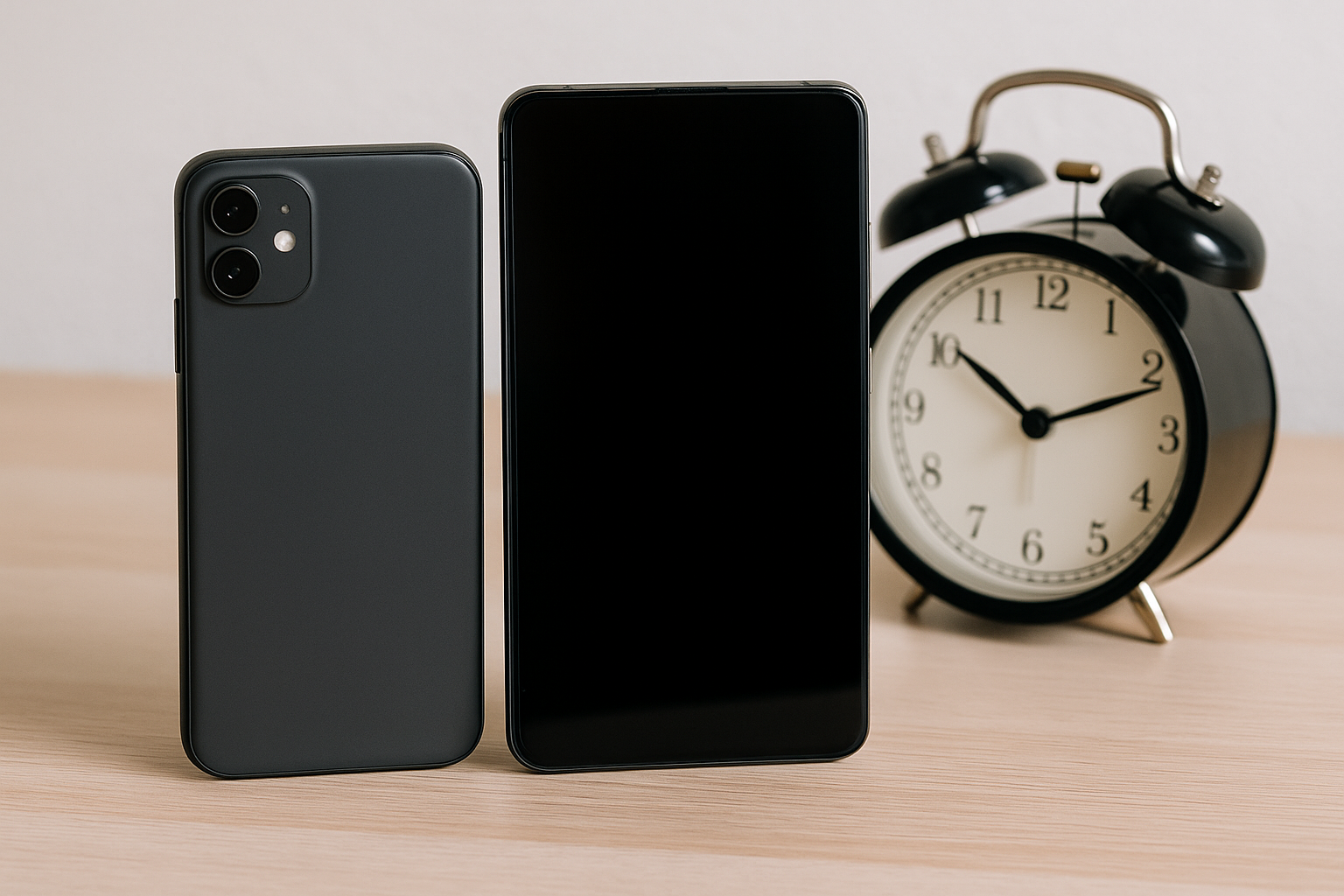
Understanding Samsung's Trade-In Program
The tech world is constantly evolving, and keeping up with the latest hardware is often necessary for both personal and professional reasons. Samsung, one of the leading tech giants, offers a trade-in program that allows customers to exchange their old devices for credit towards a new Samsung product. But as someone interested in this service, you might wonder how long the process actually takes. This guide will explore the ins and outs of Samsung's trade-in program, addressing key questions and offering insight into timelines and best practices.
How Does Samsung's Trade-In Program Work?
Step-by-Step Process
Simplifying the upgrade process, Samsung's trade-in program is designed to be user-friendly. Here's a basic breakdown of how it works:
- Eligibility Check: First, make sure your current device is eligible for trade-in. Samsung provides a list of acceptable devices, including smartphones, tablets, and smartwatches.
- Initial Valuation: On Samsung's website, enter your device's details such as model, condition, and functionality to receive an estimated trade-in value.
- Purchase New Device: Select and purchase a new Samsung product. The estimated trade-in credit will be applied to your order.
- Send in Your Device: After receiving your new device, follow the instructions provided to send your old device to Samsung using the prepaid shipping label.
- Final Assessment and Credit Adjustment: Once Samsung receives and assesses your device, they confirm the initial valuation or issue an adjusted credit value if discrepancies are noted.
Types of Devices Accepted
Samsung's trade-in program accepts a variety of devices, widening the options for consumers. Generally, they accept:
- Smartphones from Samsung and other major brands like Apple and Google.
- Tablets and smartwatches, primarily those from recent years.
- Devices that meet specific functional conditions. Broken or non-functional devices may still have trade-in value, though often at a reduced rate.
How Long Does the Samsung Trade-In Process Take?
Understanding the timeline is crucial for managing expectations and planning your next purchase. Here’s what you can generally expect:
From Start to Finish: Typical Timeframes
The duration of the trade-in process can vary depending on several factors, including location, the condition of the trade-in device, and current demand. Here is a general timeline many users experience:
- Initial Online Valuation: Immediate. The online tool provides an instant estimate.
- Shipping and Assessment: Typically takes 7–14 days from the moment you ship your old device. Shipping times can vary depending on your chosen service and location.
- Final Credit Application: Once the assessment is complete, the final trade-in credit is applied within 3–5 business days.
In total, the entire trade-in process usually completes within 2 to 3 weeks, assuming no major delays or issues arise.
Factors Influencing Trade-In Timeline
Several factors can impact how quickly your trade-in is processed:
- Shipping Method: Choosing expedited shipping can reduce the time your device is in transit.
- Assessment Delays: High-volume periods or additional checks due to discrepancies in the stated vs. actual condition can prolong the assessment.
- Backlogs and Customer Service: Occasionally, backlogs during peak seasons like holidays may extend processing times.
Tips for a Smooth Trade-In Experience
Maximizing Your Trade-In Value
To ensure you get the best possible trade-in value and streamline the process, consider these tips:
- Accurate Condition Reporting: Be honest and detailed when describing your device’s condition. This prevents revisions to the estimated trade-in value after inspection.
- Include All Accessories: Providing original chargers and packaging can sometimes increase the value of your trade-in.
- Remove Personal Data: Ensure all personal data is erased from your device, and it is reset to factory settings before you ship it.
Resolve Issues Promptly
If issues arise during the trade-in process, such as a discrepancy in device condition evaluation, swiftly contact Samsung’s customer service. Having documentation and correspondence records can expedite resolutions.
Conclusion
Samsung's trade-in program offers a convenient avenue for tech enthusiasts to keep their gadgets up-to-date while mitigating costs. Being informed about the process and the typical timeframe can help set realistic expectations and avoid unnecessary delays. Staying proactive—by accurately assessing device condition, ensuring timely shipping, and maintaining clear communication with Samsung—fosters a smooth and rewarding trade-in experience.
For more detailed information, you can visit the official Samsung website or explore consumer review platforms for firsthand accounts and timelines shared by fellow Samsung users.
- https://www.samsung.com/us/trade-in/
- https://www.samsung.com/us/trade-in/frequently-asked-questions/
- https://www.samsung.com/us/trade-in/terms-and-conditions/
- https://us-samsung-tradein.likewize.com/trade/public
- https://order-help.us.samsung.com/articles/tradein/how-do-i-trade-my-device-in/669e3173cd7d5a05a53183ea
- https://order-help.us.samsung.com/articles/tradein/what-happens-if-samsung-rejects-my-tradein/669e31779ab2194ecb0359c7