Unlock the True Potential of the Apple Health App: A User's Guide
Unlock the potential of the Apple Health App with our guide to maximize its features. This powerful app can track your wellness journey when used correctly. Learn how to navigate through its capabilities and gather insights into your health.
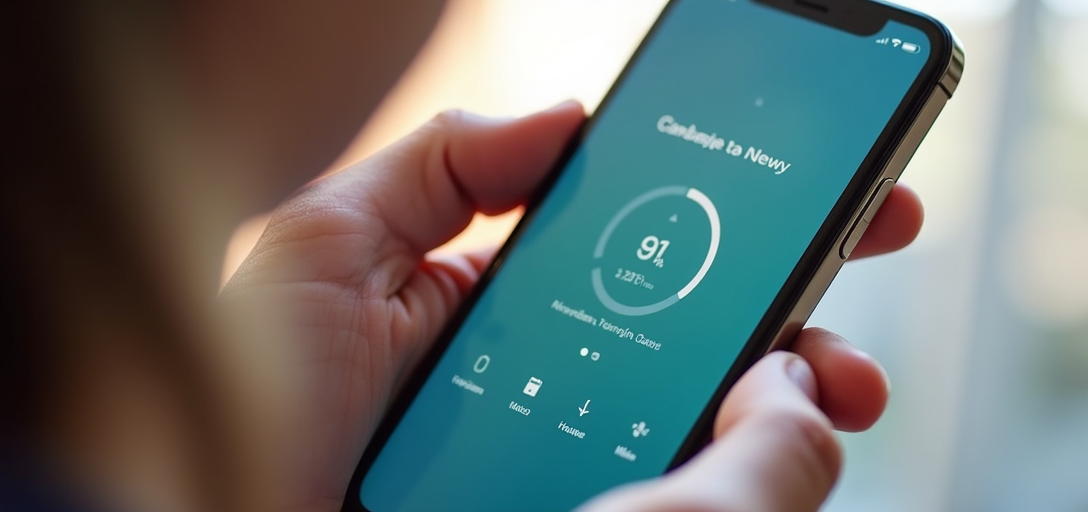
Understanding the Apple Health App: A Hidden Gem for Your Well-being
In today's fast-paced world, staying on top of your health can be a challenge. Many people are unaware that their iPhone has a powerful tool that can simplify tracking and managing health metrics - the Apple Health app. It's not just about step counts or calories burned; the app can synchronize with your lifestyle to offer a holistic view of your health. But like any tool, its effectiveness comes down to how you use it. Let's dive into how you can make the most of the Apple Health app.
Why Use the Apple Health App?
The Apple Health app serves as a centralized hub for all your health and wellness data. It integrates with compatible third-party apps and devices, offering a comprehensive picture of your physical and mental well-being. The app can track a wide array of data points, from physical activity and nutrition to sleep and mindfulness sessions.
- Data Aggregation: Consolidates data from various fitness and health apps you might already be using.
- Health Trends: Identifies trends over time that can help you make informed decisions about lifestyle changes.
- Customization: Allows you to prioritize which data categories matter most to you.
- Privacy: Apple is committed to the privacy and security of your data, ensuring only you and those you authorize have access.
Getting Started: Setting Up the Apple Health App
Start by opening the Health app on your iPhone. If you haven't used it before, you'll be prompted to set up your Health Profile. This includes entering information like your age, gender, weight, and height. This baseline data helps the app calculate personalized health metrics.
Once your profile is set up, you can customize the Dashboard. Choose which metrics you want to view regularly by tapping "Edit" in the top-right corner of the Today tab. To get the most value, think about the health aspects you want to focus on this year, such as improving cardiovascular health or managing sleep quality.
Integrating with Third-Party Apps and Devices
The Apple Health app shines when integrated with compatible apps and devices. This year, for example, there has been a significant rise in the use of smartwatches and fitness trackers like Fitbit and Apple Watch, which seamlessly sync with the app, providing a constant stream of valuable data.
To connect third-party apps or devices, go to the "Sources" tab. From there, you'll see a list of apps that are already compatible or are requesting data input. For fitness enthusiasts, pairing with apps like Strava or MyFitnessPal can enhance your health monitoring capabilities significantly.
Key Features and How to Use Them
Activity Tracking
The Activity feature tracks more than just steps. It measures your daily movement and exercise, providing insights into your activity levels. With the recent software update, you can now track various activities like yoga, strength training, or dance, offering more personalized feedback (Apple, 2026).
Heart Health
Monitoring heart health has never been easier. With ECG support on the latest Apple Watches, data like resting heart rate and variability can be accurately recorded and analyzed. Recent studies show that consistent heart monitoring can help in early identification of issues like arrhythmias (Journal of Cardiovascular Risk, 2026).
Mindfulness and Sleep
Incorporating mindfulness into your daily routine is seamless with the Apple Health app, which integrates with meditation apps like Calm. The Sleep tracking feature provides insights into sleep cycles to help you optimize bedtime habits.
Analyzing Trends and Making Informed Decisions
Once you have sufficient data, you can use the Trends feature to visualize patterns and identify areas for improvement. Whether it's noticing a dip in daily steps or a gradual increase in resting heart rate, these insights are invaluable for maintaining optimal health.
For instance, you might notice that your steps decrease in the winter months. Armed with this information, you could introduce indoor exercises to maintain your activity levels through the colder seasons.
Ensuring Privacy and Security
Apple places a high emphasis on privacy and security. Your health data is encrypted, and you have the power to decide who sees your information. This transparency and control are crucial as digital health tracking becomes more prevalent (Apple, 2026).
Conclusion: Make the Most of the Apple Health App
The Apple Health app is more than just a step counter; it's a comprehensive tool that can empower you to take charge of your health. By understanding its features and customizing it to suit your needs, you can unlock valuable insights into your well-being. As technology advances, staying informed and active in managing our health with tools like these is crucial.
For more information on how technology is impacting health, consider exploring current research and developments in the field through trusted industry publications like Health IT.
Take advantage of the Apple Health app today, and let it guide you towards a healthier, more informed lifestyle.