Unlocking the Perfect First Phone: A Guide for Parents
Choosing the right first phone for your child is a big step, and it’s a decision that brings up a lot of questions. To help you navigate it all, we’re breaking down the key factors to consider for different age groups.
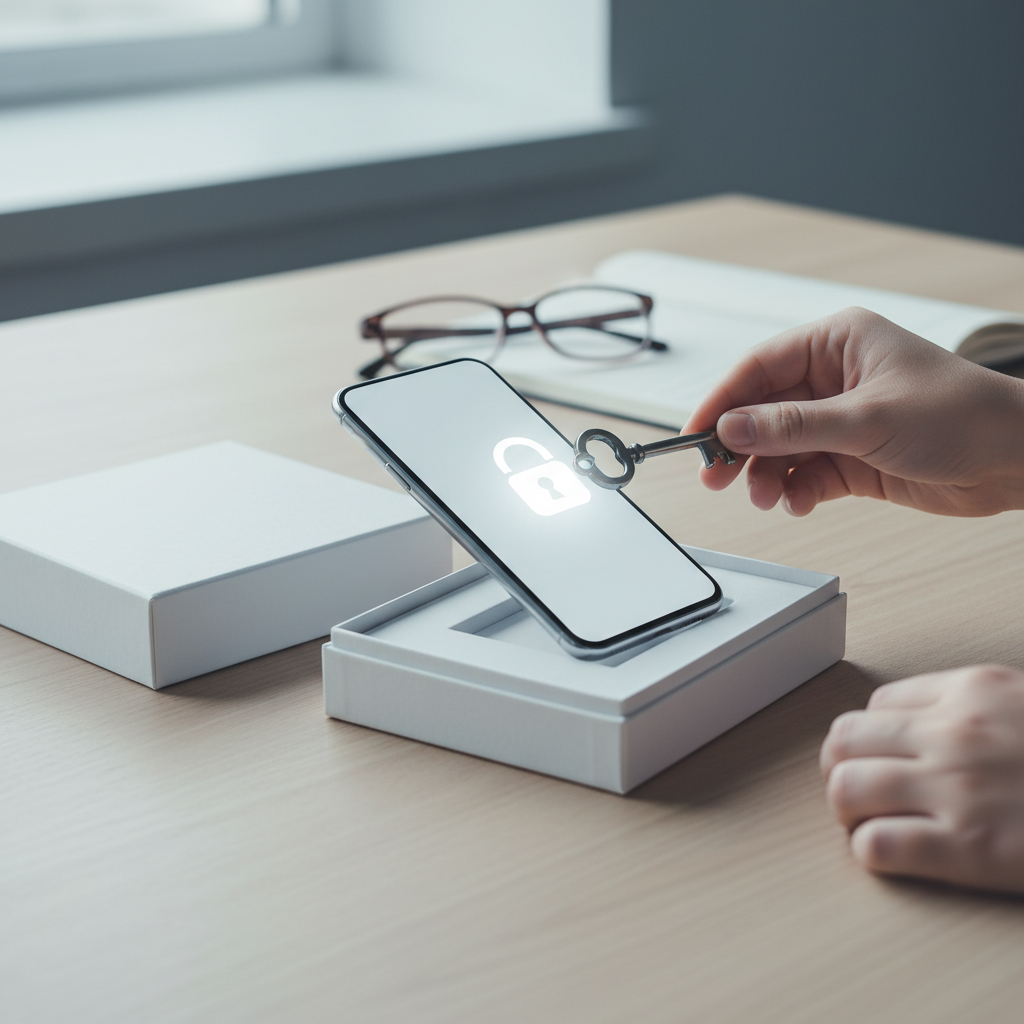
Key Factors to Consider When Choosing a Child's First Phone
Deciding on the perfect first phone for your child isn't about picking the latest model. It's a thoughtful process that balances independence with safety, and communication with responsibility. Before you start browsing devices, it's crucial to evaluate several key factors specific to your child and your family's needs. This will guide you toward a choice that fosters healthy tech habits from the very beginning.
Age and Maturity Level
There is no magic age for a first phone; the right time is more about your child's individual readiness. A 7-year-old who just needs to call a parent after school has vastly different needs than a 13-year-old who is navigating complex social circles. Consider your child's level of responsibility. Do they handle their belongings with care? Do they understand boundaries and follow rules? A child who demonstrates maturity and understands the purpose of the device is likely more prepared for the responsibility it entails.
Signs of readiness can include asking for a phone for specific reasons (like coordinating rides for extracurriculars) rather than just because "everyone else has one." It also involves their ability to understand and discuss concepts like online safety, privacy, and the permanence of digital content. Your assessment of their maturity is the most important starting point.
Primary Purpose of the Phone
What problem are you trying to solve by giving your child a phone? If the main goal is emergency communication and staying in touch with family, a basic "dumb phone" or a kid-friendly smartwatch might be the perfect solution. These devices excel at calling and texting a pre-approved list of contacts without the distractions of the internet, social media, and app stores.
If, however, the phone is meant for a pre-teen to participate in group chats for school projects, access educational apps, and learn digital literacy, then a smartphone with robust parental controls is a more logical choice. Clearly defining the phone's primary function will help you narrow down the options significantly and avoid paying for features your child doesn't need and isn't ready for.
Durability and Build Quality
Let's be realistic: a child's phone will be dropped, bumped, and probably exposed to a sticky substance or two. Durability is not a luxury; it's a necessity. Look for phones that have a reputation for being sturdy. Features like Gorilla Glass for screen protection and some level of water resistance (an IP rating) can save you from costly repairs down the line.
Regardless of the phone's built-in toughness, a high-quality, rugged case is a non-negotiable accessory. A good case with raised edges to protect the screen and reinforced corners can be the difference between a minor scuff and a shattered device. A screen protector is another small, inexpensive investment that provides a critical layer of defense against scratches and cracks.
Parental Controls and Safety Features
For most parents, this is the single most important factor. The ability to manage and monitor your child's phone usage is paramount. Modern operating systems have powerful built-in parental controls. Apple's Screen Time and Google's Family Link allow you to set time limits for specific apps, filter inappropriate web content, approve or block app downloads, and see how your child is spending their time on the device.
Beyond screen time, look for robust location-tracking features. GPS tracking can provide immense peace of mind, allowing you to see your child's location in real-time. Another critical feature is contact management, which enables you to create an approved list of people your child can communicate with, preventing contact from unknown numbers.
Exploring the Different Types of First Phones
Once you've considered the key factors, you can explore the different categories of devices available. The market offers everything from ultra-simple communicators to full-fledged smartphones, each with distinct advantages and disadvantages for young users.
Basic "Dumb" Phones
A basic phone, often called a "feature phone" or "dumb phone," is the simplest option available. Its primary functions are calling and texting. These devices intentionally lack an internet browser, an app store, and social media capabilities, making them the ultimate distraction-free choice. They are often incredibly durable and boast a battery life that can last for days, not hours.
The main benefit of a basic phone is its simplicity. It provides a direct line of communication for safety and coordination without opening the door to the complexities and potential dangers of the online world. This makes it an excellent choice for younger children whose primary need is to contact parents and a few other trusted adults.
Kid-Specific Smartwatches
In recent years, smartwatches designed specifically for kids have become a popular first "phone." These wearable devices offer a fantastic middle ground. They are equipped with GPS tracking for safety, an SOS button for emergencies, and the ability to call and text a parent-approved list of contacts. Since they are worn on the wrist, they are much harder to lose or leave behind than a traditional phone.
The key advantage of a kids' smartwatch is its focused functionality. It provides essential communication and safety features without the distractions of a full-fledged smartphone. The small screen and limited interface prevent web browsing or game playing, keeping the device strictly a tool for connection and peace of mind. This makes it an ideal stepping stone before a full phone.
Hand-Me-Down or Budget Smartphones
Giving a child your old smartphone or purchasing a new, budget-friendly Android device is a very common approach. The primary benefit here is cost-effectiveness and familiarity. You already own the device, or you can buy one for a relatively low price. These are powerful, full-featured computers that can be used for education, creativity, and communication.
The challenge with this option lies in its potential for distraction and exposure to mature content. If you choose this route, it is absolutely critical to lock it down using comprehensive parental controls. You'll need to spend significant time setting up app limits, content filters, and privacy settings through tools like Google Family Link or Apple Screen Time to create a safe and age-appropriate experience for your child.
The "Right Age" Debate: Is There a Magic Number?
One of the most common questions parents ask is, "What is the right age to give my child a phone?" The truth is, there's no universally agreed-upon answer. While some research points to the average age for a first smartphone being around 10 or 11, child development experts caution against focusing on a specific number. Instead, they recommend parents evaluate their child's individual maturity, their family's specific needs, and the child's social environment.
The conversation around this topic has led to grassroots movements like the "Wait Until 8th" pledge, where groups of parents agree to delay giving their children smartphones until at least the 8th grade. The goal is to reduce distraction during crucial middle school years and mitigate the social pressures that come with social media. This highlights the growing awareness that the decision is less about a birthday and more about a child's developmental stage and ability to handle the responsibilities that come with a powerful, internet-connected device.
Important Next Steps After Getting the Phone
The journey doesn't end once you've purchased the phone. In fact, the most important work is just beginning. Setting up the device properly and establishing clear expectations are crucial for fostering a healthy relationship with technology.
How Do I Set Up Effective Parental Controls?
Before you hand the phone over, you must configure the parental controls. For iPhones, this is done through "Screen Time" in the Settings app. For Android devices, Google's "Family Link" app is the primary tool. Both services are free and incredibly powerful. You can set daily time limits for the entire device or for specific categories of apps (like games or social media), block or allow specific apps, and prevent in-app purchases.
Beyond time limits, these tools are essential for safety. You can filter web content to block adult websites and set the App Store or Google Play to only allow downloads of age-appropriate apps. Take the time to explore all the settings. It’s also wise to set a separate passcode for the parental control settings that your child does not know, ensuring the rules you've established remain in place.
What is a "Phone Contract" and Why is it Important?
A family media agreement, or a "phone contract," is a written document that you and your child create together. It outlines the rules, responsibilities, and consequences associated with having a phone. This isn't about punishment; it's about setting clear, mutual expectations from day one. The process of creating the contract together can spark important conversations about digital citizenship.
Your contract should include practical rules like "no phones at the dinner table" and "phones charge in the kitchen overnight, not in the bedroom." It should also cover crucial safety guidelines, such as not sharing personal information (like your address or school) online, what to do if they encounter cyberbullying, and the importance of only communicating with people they know in real life. Making this a collaborative process gives your child a sense of ownership and makes them more likely to adhere to the rules.
Finding the Right Fit for Your Family
Ultimately, there is no single "best" first phone for every child. The ideal choice is one that fits your child’s maturity level, your family’s communication needs, and your budget. Whether it’s a simple call-and-text device for emergencies or a carefully managed smartphone for a responsible pre-teen, the key is to approach the decision thoughtfully.
Prioritizing robust parental controls, durability, and a clear purpose will guide you to the right device. Most importantly, remember that the phone itself is just a tool. The ongoing conversations you have about responsible use, digital citizenship, and online safety are what will truly empower your child to navigate the digital world safely and confidently.