What to Do Next If Your Samsung Trade-In Is Declined
Wondering what happens if Samsung rejects your tradein? Navigating a declined tradein can be daunting, but understanding your options can ease the process. Discover alternative paths and tips to improve tradein approval rates.
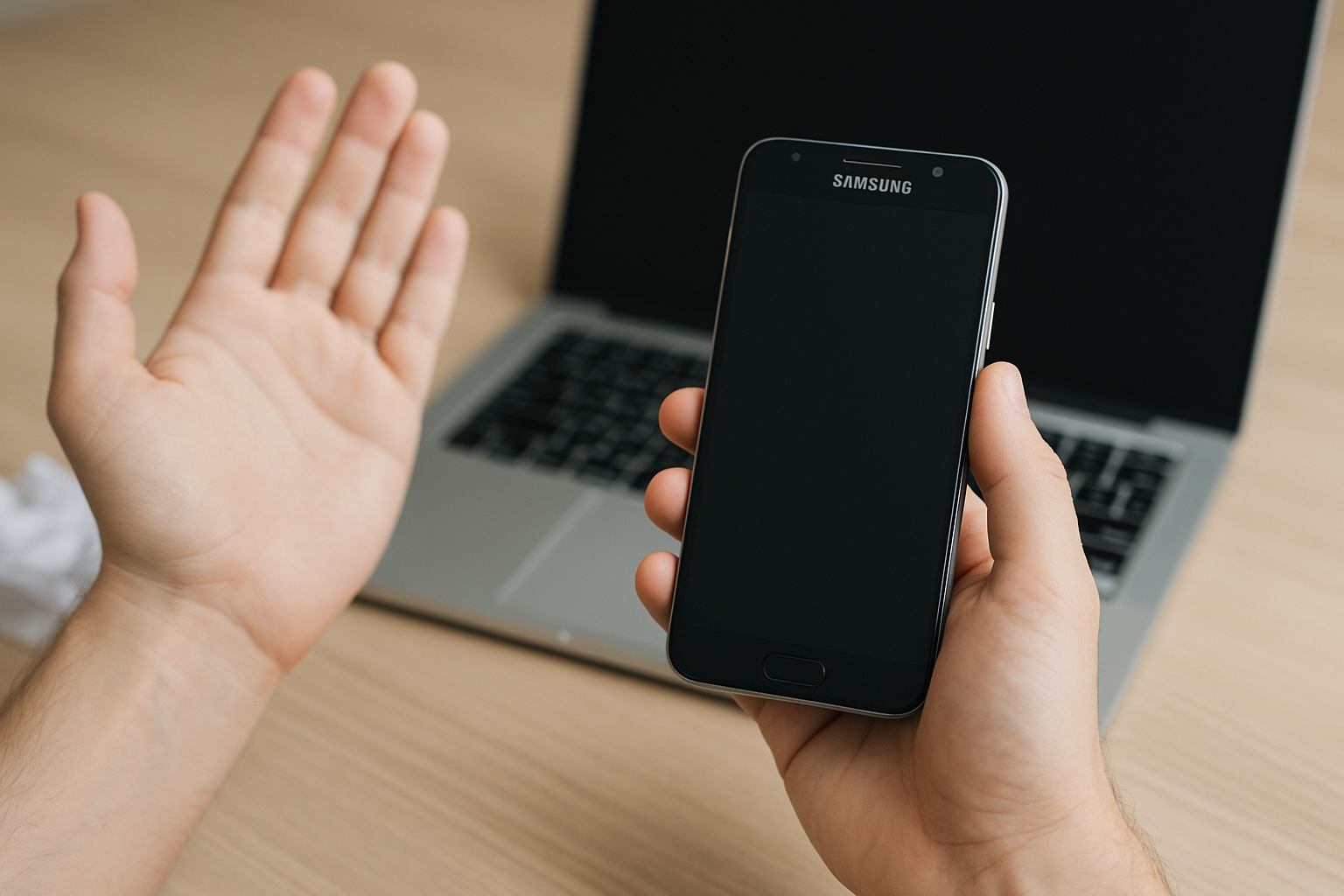
Understanding Samsung's Trade-In Program
Samsung offers a trade-in program that is designed to help its customers save money when they upgrade their phones. This program allows you to trade in your old device and receive a discount on a new Samsung device. However, not all trade-ins are accepted, and understanding what happens if your trade-in is rejected can help you better navigate this process.
Why Might Samsung Reject a Trade-In?
There are several reasons why Samsung might reject a trade-in. These reasons can relate to the condition, model, or eligibility of the device. Understanding these criteria can help you better prepare your device for trade-in.
- Condition: Devices that are cracked, water-damaged, or otherwise not functional can be rejected.
- Model: The trade-in program may not accept certain older models or non-supported brands.
- Eligibility: If the device is reported as lost or stolen, it will not be accepted.
According to a January 2026 survey by Statista, around 70% of smartphones traded in the U.S. are accepted based on their condition and market demand.
What Happens If Samsung Rejects My Trade-In?
If Samsung decides to reject your trade-in, several outcomes are possible. Each outcome has a different impact, and knowing these can help you prepare for the next steps.
Notification and Return
Samsung will typically notify you via email if your trade-in has been rejected. This communication will outline the reasons for rejection. Additionally, rejected devices are usually returned to you at no cost, typically within a couple of weeks.
Impact on Discount
Without an approved trade-in, you won't receive the anticipated discount on your new purchase. This means the full price of the new device will apply, which can increase your financial burden unexpectedly.
Samsung's policy is straightforward in terms of trade-in rejection impacting discounts, aligning with data provided by Samsung's 2026 trade-in policy documentation.
Steps to Take If Your Trade-In Is Rejected
Facing a rejected trade-in doesn't have to be the end of the road. There are several steps you can take to either correct the issue or seek alternative ways to trade in your device.
Inspect and Repair
If your device was rejected due to damage, consider having it repaired. Common repairs such as screen replacement can often be done affordably. Once repairs are completed, ensure the device meets Samsung’s trade-in criteria before attempting to trade it in again.
Consider Third-Party Options
Many third-party services accept trade-ins and may have different acceptance criteria than Samsung. Websites like Gazelle and ecoATM offer alternative solutions and sometimes accept devices that are in less-than-perfect condition.
According to a March 2026 report by MarketWatch, third-party trade-in services have grown by 15% in usage since 2025, as they often offer competitive pricing and more lenient acceptance criteria.
Donation or Recycling
If repairs are not feasible, consider donating or recycling your device. Many charities accept working smartphones for underserved communities. Alternatively, recycling ensures your device is disposed of in an environmentally friendly manner, following guidelines by the Environmental Protection Agency (EPA).
Preventing Future Trade-In Rejections
Understanding how to prevent trade-in rejections can save you both time and effort in the future. Here are actionable tips to ensure a smoother trade-in process moving forward.
Regular Maintenance
Keep your device in good condition through regular maintenance. Use protective cases and screen protectors to prevent damage. Cleaning your device of unnecessary files and data can also contribute to better performance and higher trade-in value.
Documentation and Backup
Ensure you have all necessary documentation, including proof of purchase and a history of repairs if applicable. Always back up your data before trading in your device, as the device will be reset to factory settings, removing all personal information, should the trade-in proceed.
Research and Eligibility
Before initiating a trade-in, research the current offers and model eligibility on Samsung’s trade-in page. This will help avoid surprises and ensure your model and condition meet program requirements.
In summary, while a Samsung trade-in rejection may seem like a setback, it's a manageable situation with several viable alternatives. By understanding the reasons for rejection, exploring solutions, and implementing preventative measures, you can effectively navigate trade-in challenges and maximize your smartphone's resale value.
For more detailed information on Samsung's policies, see the official Samsung website. Additionally, consumer technology sites such as Consumer Reports and Tom's Guide provide comprehensive insights on optimizing smartphone trade-ins.
- https://www.samsung.com/us/trade-in/
- https://www.samsung.com/us/trade-in/frequently-asked-questions/
- https://www.samsung.com/us/trade-in/terms-and-conditions/
- https://us-samsung-tradein.likewize.com/trade/public
- https://order-help.us.samsung.com/articles/tradein/how-do-i-trade-my-device-in/669e3173cd7d5a05a53183ea
- https://order-help.us.samsung.com/articles/tradein/what-happens-if-samsung-rejects-my-tradein/669e31779ab2194ecb0359c7