A Step-by-Step Guide to Applying for the Apple Card
Explore the steps needed to apply for Apple Card, a versatile option for those interested in a straightforward application process. Understand the benefits Apple Card offers while learning how to efficiently navigate the application.
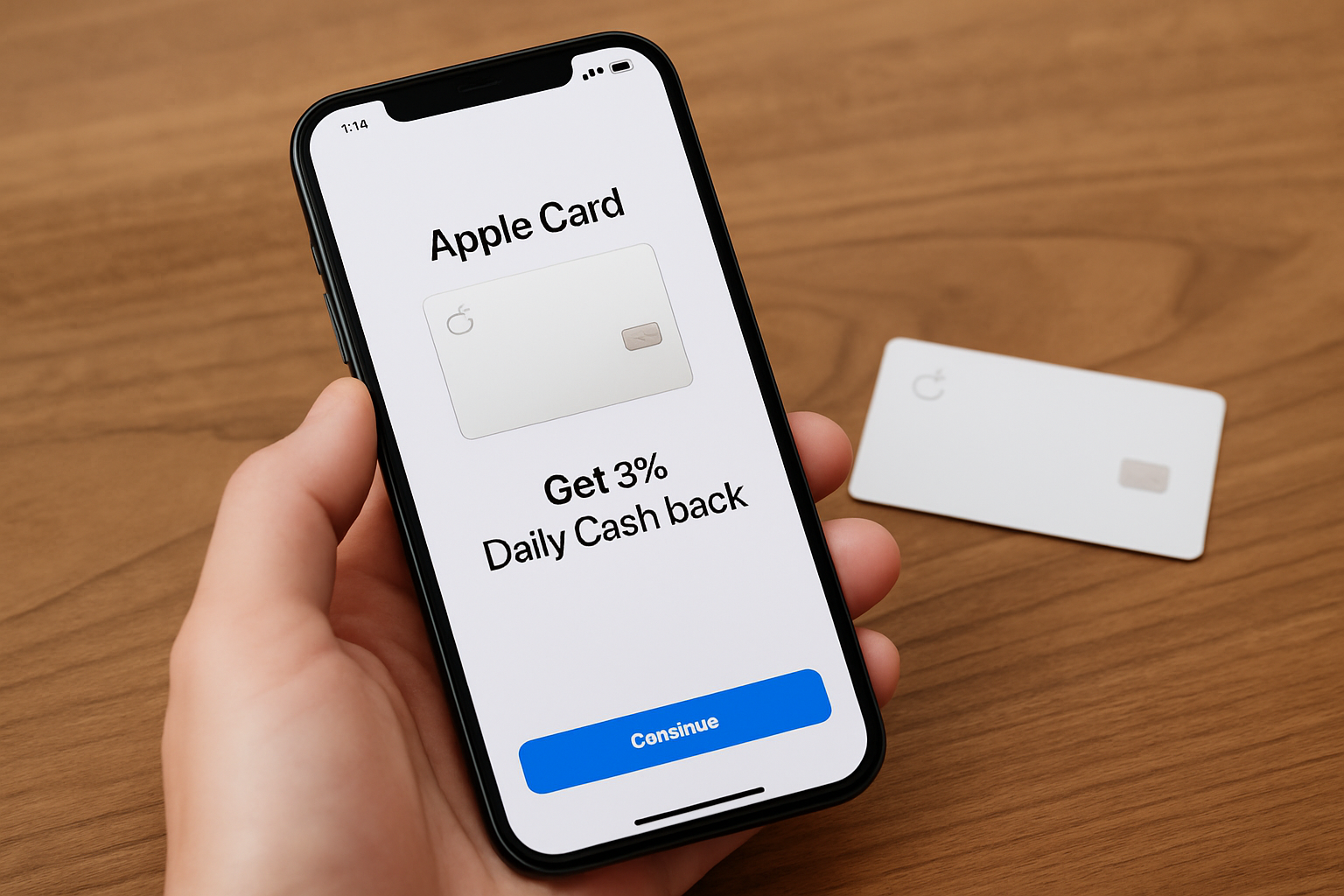
Understanding the Apple Card
The Apple Card, launched by Apple Inc. in partnership with Goldman Sachs in August 2019, represents a significant shift in the credit card industry by offering a seamless integration with Apple’s ecosystem. Designed specifically for use with iPhones, the Apple Card leverages the technology and design aesthetics Apple is known for, aiming to simplify the credit card experience.
Before delving into how to apply for an Apple Card, it's crucial to understand what makes it different from traditional credit cards. The Apple Card operates primarily through the Apple Wallet app, providing users with a digital-first, no-fees credit experience.
Key Features of the Apple Card
- Seamless Integration: It works within the Apple ecosystem, meaning transactions and reports update automatically in the Wallet app.
- Cash Back Rewards: Daily Cash back as a percentage of purchases.
- No Fees: Unlike many credit cards, the Apple Card imposes no annual fees, late fees, or international fees.
- Privacy and Security: Utilizes Face ID, Touch ID, and unique transaction codes to enhance security.
Step-by-Step Guide: How to Apply for Apple Card
If you're intrigued by the simplicity and rewards the Apple Card offers, here's how you can apply for it:
Eligibility Requirements
Before applying, ensure that you meet the following requirements:
- Be at least 18 years old in the United States.
- Own an eligible Apple device with the latest iOS version.
- Have an Apple ID and be signed into iCloud with it.
- Include a valid physical and a U.S. mailing address.
Application Process
- Open the Wallet App: On your iPhone, locate the pre-installed Wallet app.
- Tap on the ‘+’ Icon: This begins the process of adding a card.
- Select Apple Card: Choose the option to apply for the Apple Card.
- Complete the Application: Provide personal information such as your name, date of birth, income level, and social security number.
- Review Terms and Conditions: Go through Apple’s terms, which outline the interest rates and customer agreements.
- Submit Your Application: Once completed, submit the application. Apple and Goldman Sachs will evaluate your creditworthiness instantly.
Approval and Card Usage
Within minutes, you should receive an approval decision. Upon approval:
- Your Apple Card will automatically appear in your Wallet app.
- You can request a physical titanium card for offline transactions.
- Immediately start using your Apple Card for secure online and in-store payments.
Frequently Asked Questions
What Credit Score Do I Need?
The Apple Card generally requires a fair to good credit score, typically around 600 or above. It's wise to check your credit score beforehand as inquiries can affect your score.
How Is Privacy Handled?
Apple is committed to ensuring user privacy. Transactions are encrypted, and Apple does not store transaction data or let you be tracked by what you buy.
What If I’m Declined?
If your application is declined, Goldman Sachs may provide the main reasons for the decision. Consider addressing these issues or improving your credit score before reapplying.
Conclusion
The advent of the Apple Card aligns with the growing trend of digital financial solutions that prioritize user experience, security, and integration. Its ease of application, attractive rewards, and no-fee policy make it an appealing option for Apple enthusiasts. However, potential applicants should evaluate their financial situation and credit score readiness. As digital banking solutions continue to expand, the Apple Card remains a modern contender in card services for tech-savvy consumers.