Essential Conditions: Is Your Phone Ready for a Samsung Trade-In?
Curious about trading in your old Samsung device? Discover what condition your phone needs to be in for a Samsung Trade In. Learn how factors like screen cracks, battery health, and device age can affect eligibility.
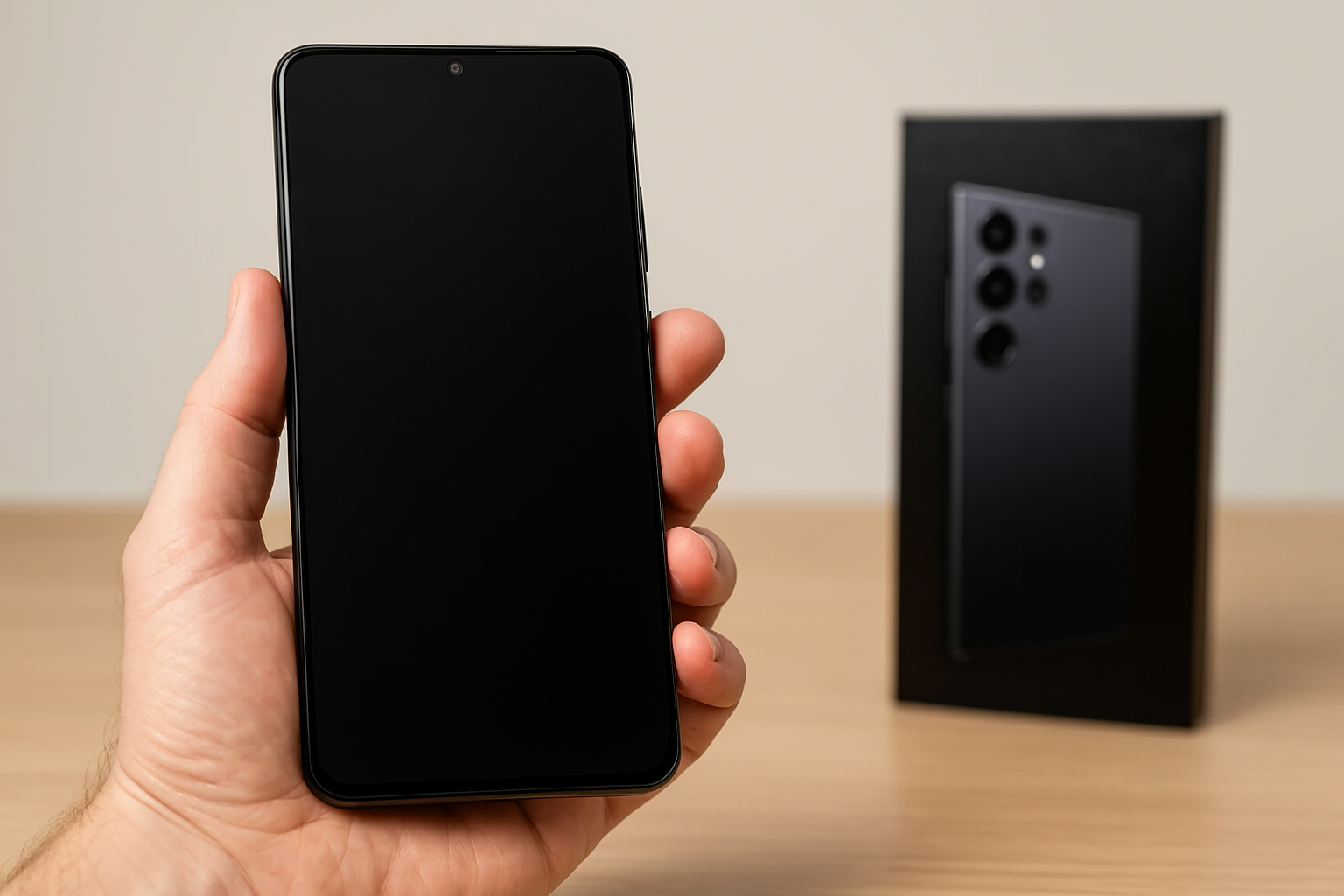
Understanding the Samsung Trade-In Program
The Samsung Trade-In Program allows you to exchange your old phone for credit towards a new Samsung device. But what condition does your phone need to be in for a successful trade-in? This question often leaves many users puzzled. In this guide, we'll cover the essential requirements, considerations, and steps to ensure your device qualifies for Samsung's trade-in offer.
What Condition Does My Phone Need to Be In?
Samsung has specific criteria to determine the eligibility of a device for trade-in. While these requirements may vary slightly over time, certain standards are consistent. As of 2026, here are the key conditions your phone should meet:
- Physical Condition: Your device should have no cracked screen, missing buttons, or damaged housing. Minor scratches are generally acceptable.
- Functional Condition: The phone must power on, and all its essential functions—such as connectivity, touch screen, and buttons—must work properly.
- Original Parts: The device should not have any non-original or third-party components.
- Activation: The phone should not be locked to any specific carrier, and all associated accounts should be removed, especially iCloud for Apple products.
Steps to Prepare Your Phone for Trade-In
Before trading in, it's crucial to prepare your phone to meet the criteria outlined by Samsung and to ensure a smooth process:
1. Backup Your Data
Backing up your data to a secure location, such as Google Drive or an external hard drive, ensures you don't lose important data like photos, contacts, and app data. Samsung Cloud or Google One are excellent options for Android devices.
2. Factory Reset
After backing up, perform a factory reset. This step ensures all personal information is erased, and the phone is ready for its new owner. Refer to Samsung's official guide for precise instructions on how to execute a reset.
3. Remove Accessories
Detach any accessories—not included in the trade-in deal—such as protective cases, SIM cards, or memory cards. Only the phone itself should be sent.
4. Check Compatibility
Visit the Samsung Trade-In website and enter your phone’s model to confirm it qualifies for trade-in. Typically, Samsung accepts a wide range of models, but it's always best to check.
Benefits of the Samsung Trade-In Program
The trade-in program is advantageous for users looking to upgrade without spending more out of pocket than necessary. Here's why many choose this route:
- Economic Savings: By trading in, you receive a discount on new devices, making upgrades more affordable.
- Environmental Impact: Trading in rather than discarding contributes to eco-friendly practices by promoting recycling and other sustainable processes.
- Convenience: Samsung offers a straightforward process with online evaluations and in-store options, accommodating a variety of preferences.
Recent Trends in the Market (2026)
The industrial landscape is shaped by technology’s rapid advancement and sustainability trends. A 2026 study by TechRadar reveals that 67% of users prefer trading their old devices rather than selling independently due to convenience and safety concerns over personal data.
Moreover, according to the Economic Times, the recycled smartphone market is growing fast, contributing significantly to the circular economy. This increase is credited largely to robust trade-in programs by brands like Samsung.
FAQs About Samsung Trade-In Program
Common concerns arise when considering a trade-in. Here are answers to a couple of frequently asked questions:
Can I Trade In a Damaged Phone?
Depending on the extent of the damage, some phones might still qualify, but the credit received could be significantly lower. It’s recommended to verify conditions with Samsung's evaluation tool before proceeding.
What Happens to My Phone After a Trade-In?
After you send in your device, the phone may be refurbished and resold or sustainably recycled if it cannot be fixed. Samsung emphasizes eco-friendly practices, contributing positively to the environment.
Conclusion
Participating in the Samsung Trade-In Program can be a beneficial experience for anyone looking to upgrade their device smartly and sustainably. Ensure your phone meets the eligibility criteria, and leverage the available resources to prepare your device properly. By understanding the requirements and following the outlined steps, you optimize your trade-in value and contribute to technological sustainability.
For further information or specific queries, you can visit Samsung's official website or consult CNET for the latest insights and reviews regarding the trade-in programs currently available.
- https://www.samsung.com/us/trade-in/
- https://www.samsung.com/us/trade-in/frequently-asked-questions/
- https://www.samsung.com/us/trade-in/terms-and-conditions/
- https://us-samsung-tradein.likewize.com/trade/public
- https://order-help.us.samsung.com/articles/tradein/how-do-i-trade-my-device-in/669e3173cd7d5a05a53183ea
- https://order-help.us.samsung.com/articles/tradein/what-happens-if-samsung-rejects-my-tradein/669e31779ab2194ecb0359c7