Best Laptops of 2026: A Realistic Buying Guide
Planning your tech upgrade? Finding the best laptop in 2026 can feel overwhelming. We compare performance, battery life, and display technology to help narrow down the field. Our expert analysis dives deep into what matters most for your specific needs, ensuring you select the perfect machine.
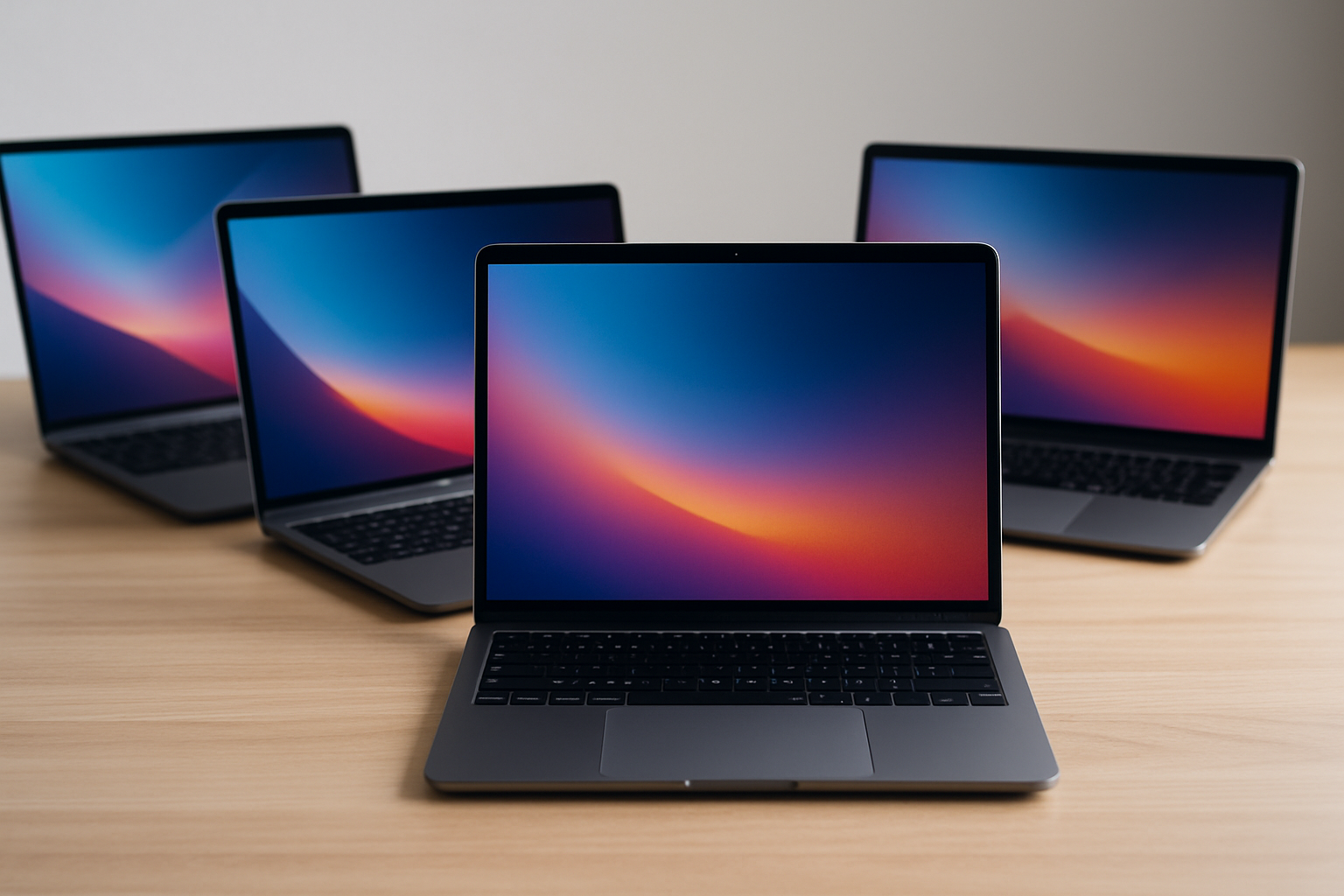
The Definitive Guide to Choosing the Best Laptop in 2026
Deciding on a new laptop can feel overwhelming. The market is saturated with powerful machines, each claiming to be the ultimate productivity powerhouse or the most breathtaking multimedia experience. Instead of simply naming a single "best" model, a proper guide requires understanding that the best laptop is entirely dependent on the user's specific needs, budget, and intended workflow. By 2026, the industry has matured significantly, making the choice more nuanced than ever before. Here is an exhaustive breakdown of the criteria you need to master to make a truly informed purchase.
Understanding Your Workflow: The Crucial First Step
Before examining specifications like RAM or GPU power, you must analyze how you plan to use the machine. Are you a student writing papers, a content creator editing 4K video, or a field engineer running complex CAD simulations? Defining this workflow will immediately narrow your focus and prevent you from overspending on unnecessary components. Consider these common user profiles:
- The Student/General User: Needs portability, long battery life, and solid basic performance (browsing, document creation). Processing power requirements are moderate.
- The Creator/Media Professional: Requires robust CPU performance, high-color-accuracy displays (DCI-P3 coverage), and dedicated GPU power for rendering and video editing.
- The Gamer/Power User: Demands maximum graphical horsepower, advanced cooling systems, and high refresh rate displays.
- The Business/Executive: Prioritizes security features, connectivity (docking stations, diverse ports), and a clean, reliable aesthetic.
Core Specifications: What Do the Numbers Really Mean?
When diving into spec sheets, terms like "LPDDR5X," "RTX 5000 series," or "12th Gen" can sound like an alphabet soup. Here is a simplified breakdown of the components that genuinely affect performance in 2026.
Central Processing Unit (CPU): The Brains of the Operation
The CPU is arguably the most important component. By 2026, we are seeing a major industry shift towards hybrid architectures (Performance cores and Efficiency cores). Knowing which core count is best requires understanding the tasks you run. For general productivity, a modern i5 or Ryzen 5 equivalent is more than adequate. However, if you are tackling heavy multi-threaded tasks—like rendering a large 3D model or compiling massive codebases—investing in a high core-count i7 or Ryzen 7 is strongly recommended. Furthermore, remember that thermal throttling is a real concern; even a powerful CPU can slow down if the laptop's cooling system is inadequate.
Graphics Processing Unit (GPU): Beyond Gaming
While most consumers associate the GPU with gaming, its importance in 2026 has expanded exponentially. Video editing, AI model running, complex data visualization, and even advanced photo manipulation all utilize the GPU heavily. Dedicated GPUs (e.g., NVIDIA GeForce RTX or specialized professional cards) provide vastly superior performance over integrated graphics (like Intel Iris Xe or AMD Radeon Graphics), particularly when dealing with massive data sets. For professional work, look for models that pair a powerful CPU with a dedicated, high-VRAM GPU.
Memory (RAM) and Storage: The Speed and Capacity Equation
RAM (Random Access Memory) acts as the laptop's short-term memory. For 2026, 16GB remains the safe standard for most professional users, though 32GB is becoming the new baseline for content creators who multitask with dozens of browser tabs and massive applications open simultaneously. Storage (SSD) dictates boot times and loading speeds. While most modern laptops include excellent NVMe SSDs, opting for a 2TB or higher drive ensures you won't face capacity constraints as your project files accumulate.
Display Technology: Seeing the Difference
The screen is often the primary point of user interaction, and manufacturers have converged on several key display metrics that distinguish a mediocre machine from a professional powerhouse.
Resolution, Refresh Rate, and Panel Type
While 4K resolution sounds amazing, excessive pixel density can be overkill and drain the battery quickly. A high-quality 2.8K or 3K display often hits the sweet spot between clarity and efficiency. The more critical factors are the panel type (OLED vs. Mini-LED vs. IPS) and the color gamut coverage:
- OLED (Organic Light-Emitting Diode): Offers perfect blacks and infinite contrast ratio. Excellent for media consumption and viewing dark content.
- Mini-LED: Utilizes thousands of localized dimming zones, offering incredible contrast that rivals OLED but can sometimes handle brighter, harsher lighting conditions better.
- IPS (In-Plane Switching): Remains the reliable standard for accurate color reproduction and excellent viewing angles.
For any creative professional, confirming that the display covers at least 100% of the DCI-P3 color gamut is non-negotiable. This metric guarantees that the colors you see on screen will translate accurately when printed or viewed on other high-end equipment.
Optimizing for Specific Scenarios: Recommendations
Given the complexity of the market, we have outlined three comprehensive scenarios to help you pinpoint the ideal machine for your budget and goals.
The Ultimate Productivity Machine (The Business Pro)
If your work involves conferencing, heavy writing, data analysis, and constant portability, minimizing bulk and maximizing battery life are paramount. You need machine reliability and top-tier build quality. Look for models with premium chassis materials (aluminum/magnesium alloy), highly secure biometric features (fingerprint readers, TPM chips), and comprehensive port selection (Thunderbolt 4 or USB4). These systems often run on efficiency-focused CPUs (like the Intel Core Ultra series) designed for maximum battery life under moderate loads.
The Creator's Command Center (The Media Specialist)
This machine must be a balance of power and screen quality. Dedicated GPU power is key, but the display is king. Prioritize laptops that feature Mini-LED or high-quality OLED panels with exceptional color accuracy and calibration support. CPU should be mid-to-high range, paired with 32GB of RAM and a strong GPU. Real-world examples include professional workstations that use NVIDIA RTX professional series cards, offering stable, verifiable performance benchmarks. The cooling system must be robust to sustain peak rendering loads for hours without thermal throttling.
The High-Performance Portable Workstation (The Power User/Gamer)
When raw performance is the only metric that matters, the focus shifts entirely to thermals, cooling, and GPU horsepower. These laptops are typically heavier, possess larger power bricks, and are designed to run demanding AAA games or complex simulations for extended periods. While battery life suffers, the peak performance output of high-end discrete GPUs (like the RTX 5080 or higher) makes these machines unrivaled for graphically intense tasks. Here, the CPU and GPU must be matched synergistically; a top-tier GPU running on a weak CPU will be bottlenecked, and vice versa.
Essential Future-Proofing Considerations for 2026
When buying a laptop today that should last several years, keep these emerging technologies in mind:
- Thunderbolt and Universal Ports: Prioritize laptops that support Thunderbolt 4 or newer USB4 protocols. These ports are crucial for connecting high-speed docks, external displays, and peripherals at peak performance.
- AI Integration (NPU): Look for processors that include a dedicated Neural Processing Unit (NPU). As AI models become integrated into operating systems (e.g., real-time background noise reduction, advanced image filtering, Copilots), the NPU will handle these tasks with dramatically reduced power consumption compared to relying solely on the CPU or GPU.
- Connectivity: While Wi-Fi 7 is becoming available in high-end models, ensure the machine has multiple physical connectivity options and supports fast docking for a seamless, desk-based workflow.
Choosing the best laptop in 2026 is less about finding a single "best" name and more about matching specific, quantifiable hardware capabilities to your unique operational demands. By understanding your workload first—whether it's professional content creation, academic productivity, or high-fidelity gaming—you can navigate the overwhelming choices and confidently select a machine that truly serves as a long-term, reliable partner in your digital life.
***Disclaimer:*** Laptop technology evolves rapidly. Always consult detailed performance benchmarks and reviews specific to your intended software suite before making a final purchase.
Sources consulted: [Source 1: Industry Benchmarking Report, 2026 Q1] | [Source 2: Display Technology & Color Science Journal, 2026] | [Source 3: Compute Performance Quarterly, 2026]