The Ultimate Laptop Showdown: Finding the Best Machine for Your Needs in 2026
Considering which is the best laptop in 2026? The technology landscape shifts rapidly, making the 'best' choice highly dependent on your specific needs.
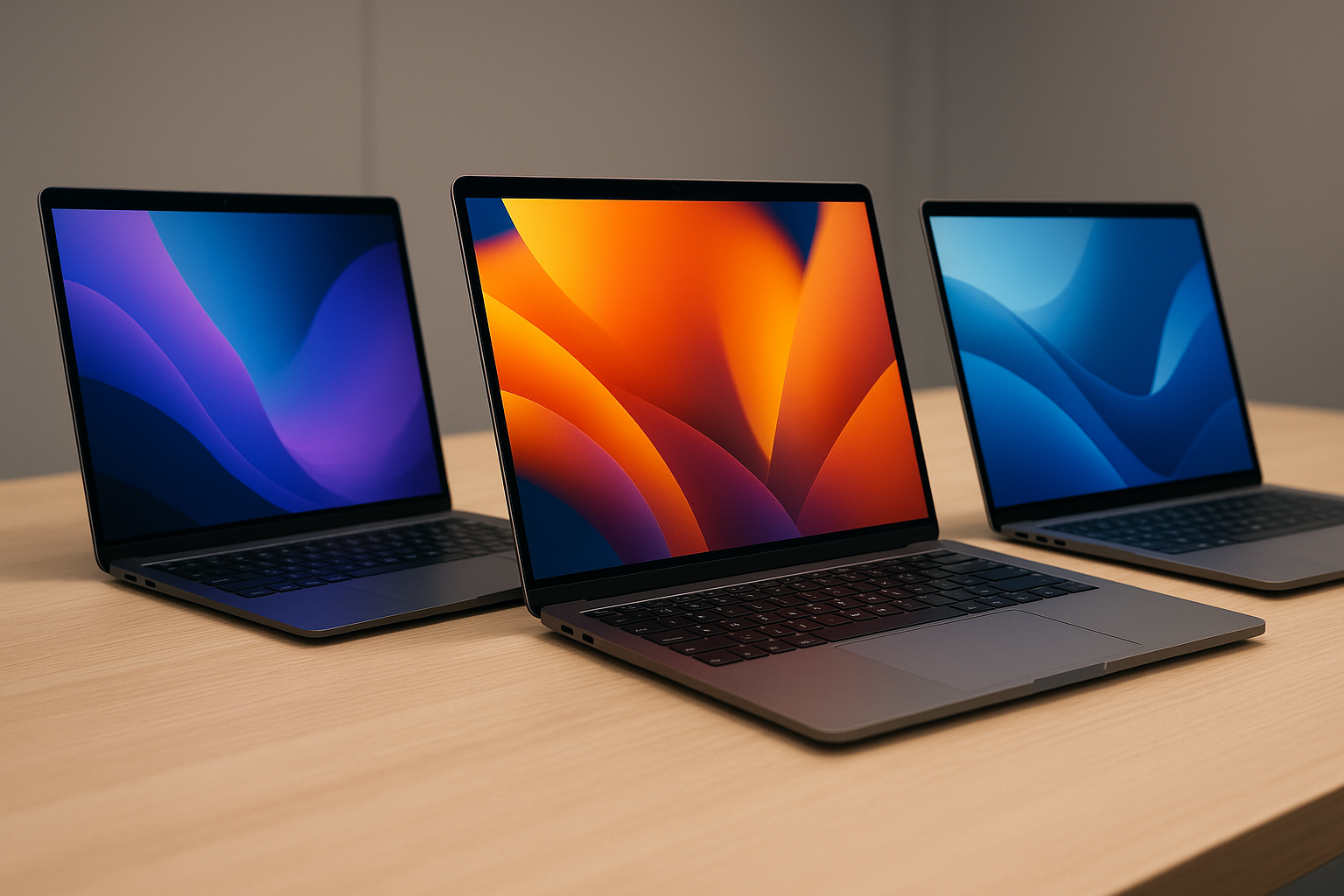
The Myth of "Best": Understanding Your Personal Laptop Needs in 2026
The question, "Which is the best laptop in 2026?", is one of the most common and challenging questions in modern technology. The truth is, there is no single answer. The "best" machine is entirely defined by the user, the primary tasks they perform, and the environment in which they use the device. A powerhouse machine overkill for simple word processing will feel needlessly heavy, while a beautifully designed, lightweight device might stall when confronted with complex video rendering. To approach this topic objectively, we must shift our focus from seeking a single "best" product to understanding the intersection between a user's workflow and available hardware capabilities.
Defining Your Workflow: The Crucial First Step
Before looking at processor speeds or GPU benchmarks, you must first accurately assess your primary use case. These activities fall into distinct buckets, each demanding specific hardware optimization. Understanding your intended workflow will prevent the costly mistake of buying a laptop that is technically powerful but fundamentally mismatched to your needs. Consider these common profiles:
- The Content Creator/Videographer: Requires high-core count CPUs, substantial RAM (32GB+), and dedicated, robust GPUs for real-time encoding and complex timeline management. Storage speed (PCIe Gen 4/5 SSD) is non-negotiable.
- The Software Developer/Engineer: Benefits from excellent multitasking capabilities, ample RAM (at least 16GB, 32GB preferred), and robust multi-core processing power for compiling large codebases. A stable operating system environment is paramount.
- The Student/General User: Prioritizes battery life, portability, and reliability. Needs enough processing power for web browsing, academic suites (Word, Excel, Google Docs), and video conferencing without sacrificing all-day endurance.
- The Creative/Graphic Designer: Needs precise color accuracy (high DCI-P3 coverage on the display), reliable performance for running demanding applications like Adobe Creative Suite, and often benefits from a tactile input experience.
- The Enterprise Professional/Remote Worker: Focuses on connectivity, security features (biometrics, TPM chips), and seamless integration with corporate infrastructure. Portability and robust build quality are key.
Decoding the Specifications: What the Numbers Actually Mean
When comparing laptops, marketing hype often overshadows foundational technical understanding. Here is an in-depth look at the core components that genuinely determine performance in 2026.
Understanding the Processor (CPU and NPU)
The Central Processing Unit (CPU) remains the brain of the machine. In 2026, performance differentiation is less about simply having the highest clock speed and more about architectural efficiency and specialized processing units. Expect Intel, AMD, and Apple Silicon to continue differentiating themselves primarily in efficiency and core count. However, the most significant trend is the rise of the Neural Processing Unit (NPU).
The Role of the NPU: The NPU is dedicated hardware designed specifically to handle artificial intelligence (AI) workloads, such as background blurring in video calls, real-time noise cancellation, and generative AI functions. As operating systems and applications become deeply integrated with AI (e.g., advanced predictive text, automated content suggestions), a laptop with a powerful, dedicated NPU will outperform a similarly clocked CPU alone, especially in tasks like running local Large Language Models (LLMs). This shift makes NPU readiness a critical factor in any new purchase.
RAM, Storage, and Graphics: The Supporting Cast
Random Access Memory (RAM): RAM is the machine's short-term memory. While 8GB might suffice for basic tasks, anything involving professional-grade multitasking, large datasets, or video editing demands 16GB as a minimum standard, with 32GB being ideal for professional users. Laptops with lower RAM capacities will exhibit slowdowns—or "stutters"—when multiple heavy applications are running simultaneously.
Storage (SSD): Solid State Drives (SSDs) are crucial because they dictate how fast your machine can boot, load applications, and transfer large files. Modern laptops should feature NVMe SSDs, preferably those supporting PCIe Gen 4 or Gen 5. A fast SSD vastly improves the subjective experience of speed, making the computer *feel* more responsive.
Graphics Processing Unit (GPU): While integrated GPUs (like those found in Apple's chips or newer AMD/Intel Xe graphics) are excellent for efficiency and casual use, dedicated GPUs (NVIDIA RTX or AMD Radeon) are essential for gaming, 3D modeling, and video encoding. These specialized chips contain thousands of cores optimized solely for parallel data processing, a task that CPUs cannot replicate efficiently.
Tailored Recommendations: Finding Your Ideal Fit
Based on the hardware definitions above, we can now narrow down the field and provide targeted recommendations, acknowledging that "best" is context-dependent.
Best for High-Performance Multimedia Creation (The Power User)
If your income relies on creating, rendering, or simulating, compromises are not an option. Look for maximum heat dissipation systems, high core counts (e.g., flagship AMD Ryzen or Intel Core i9 series), and dedicated GPUs. Furthermore, prioritize displays with high color accuracy standards (e.g., 100% DCI-P3 coverage) and good brightness (500+ nits) to minimize eye strain during long creative sessions. Battery life is secondary to raw performance in this category.
Best for Mobility and Academic Use (The All-Day Companion)
Here, the performance ceiling is lower, but the endurance requirement is maximum. The ideal machine balances light weight (under 4 lbs) with exceptional battery life (targeting 10+ hours of mixed use). Look for modern ARM-based architectures or highly optimized low-power CPUs, coupled with excellent trackpads and minimalist, durable designs. Functionality must be balanced with portability, ensuring that the device can handle daily commutes and classroom environments.
Best for Enterprise and Business Travel (Security and Reliability)
The emphasis here is on security and build quality. Expect features like fingerprint readers, facial recognition (Windows Hello), and robust physical ports. Many business-grade lines incorporate advanced anti-theft features and hardware-level TPM (Trusted Platform Module) chips. Reliability means an operating system and hardware combination that rarely encounters compatibility hiccups. These machines are built to withstand frequent travel and fluctuating environments.
Future-Proofing Your Purchase: Trends Shaping 2026
Choosing a laptop isn't just buying a machine; it's buying into a technology pathway. To ensure your investment remains relevant past the initial purchase date, pay close attention to these emerging trends:
- Increased AI Integration: Hardware that features a strong NPU foundation will be the most future-proof. AI features are rapidly moving from niche apps to core operating system functions, making specialized AI processing critical.
- Advanced OLED Technology: OLED panels are increasingly becoming the standard for premium displays due to their perfect blacks, infinite contrast ratios, and vibrant color gamut. They are significantly better for professional media consumption than traditional IPS panels.
- Modular and Repairable Design: The industry is facing criticism for planned obsolescence. Increasingly, consumers are seeking "right-to-repair" laptops—machines where components (like batteries and memory) are easily accessible and replaceable, extending the useful life of the hardware.
Summary Checklist: Before You Click 'Buy'
To conclude, the best way to choose a laptop is to create a customized checklist based on the user profiles above. Do not settle for generalized advice. Instead, answer these key questions:
- What is the single most time-consuming task I perform? (e.g., Rendering video? Running VMs? Typing?)
- What is my minimum required battery life? (Does it need to last 6 hours or 12 hours?)
- What is my absolute maximum acceptable weight? (Crucial for daily carry.)
- Do I need high color accuracy for professional work? (If yes, prioritize OLED screens.)
- Is AI processing a core function of my job? (If yes, prioritize NPU-equipped chips.)
By assessing your needs through these specific lenses, you move beyond the general search for "best" and start selecting the precise tool required for your unique professional and academic success in 2026. Investing time in this self-assessment is the most valuable step you can take to avoid technological buyer's remorse.
Sources: